A plan, and the tools to carry it out.
These screens are from the first-release build on iPhone and Android. It is not in the stores yet. Free shows you enough to judge it; Pro opens the whole library.
A library you can search
Free: index and searchPro: full guides
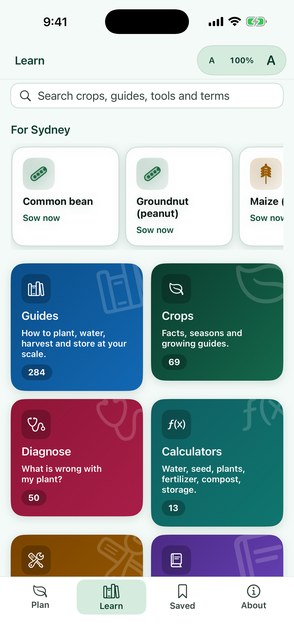
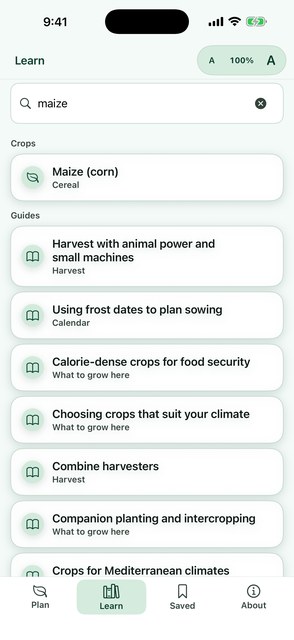
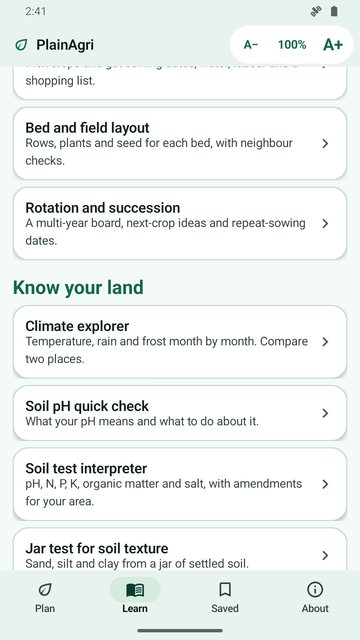
Learn is one hub for Guides, Crops, Diagnose, Calculators, Equipment and Glossary, with a single search box across all of them. Plan and Saved link straight into it.
515 places, 69 crops with full guides, 421 documents and 627 cited sources are in the library today.
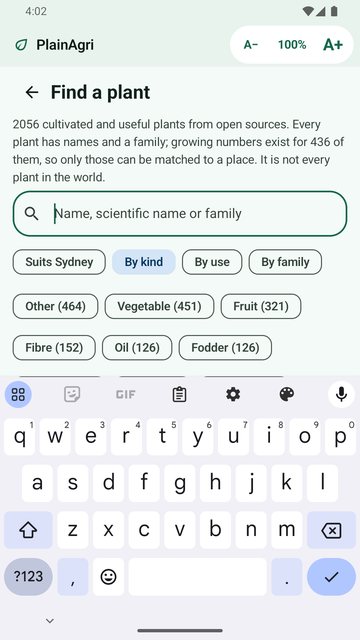
Search thousands of plants
Free: searchPro: full pages
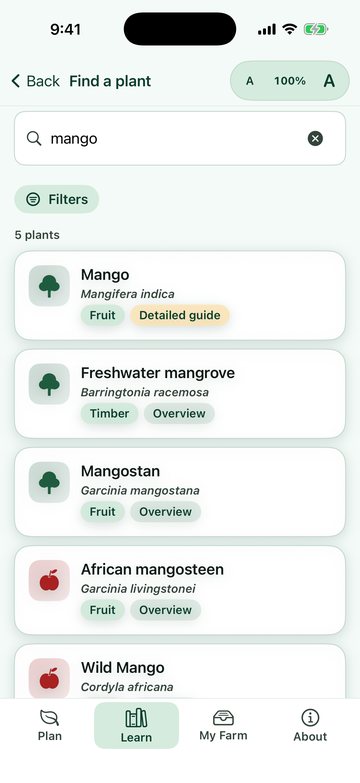
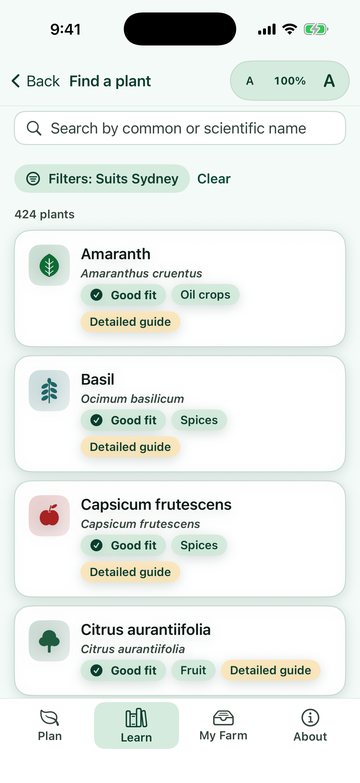
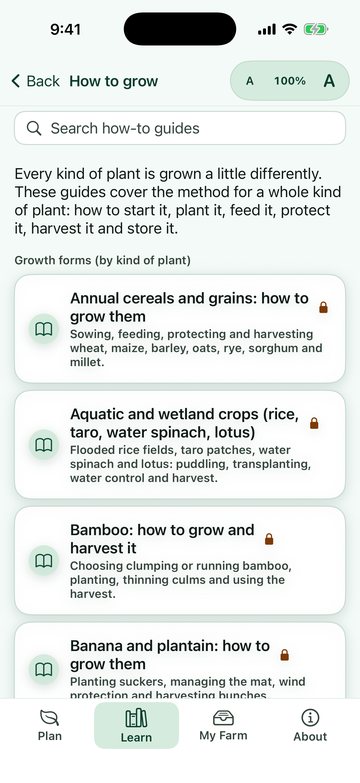
Plant Finder is a searchable library of 2,043 cultivated and useful plants, with 68 plain how-to-grow guides by plant type (trees, vines, bulbs, herbs and more). Switch on the filter for your place and it shows plants whose climate figures do not rule them out there. That is a screen, not a recommendation.
Not every plant: the 69 main crops have full guides, and most other entries are overviews with a general method. Names, uses and fit are drawn from licensed open data and are not expert-reviewed.
Invasive and restricted plants flagged
Free
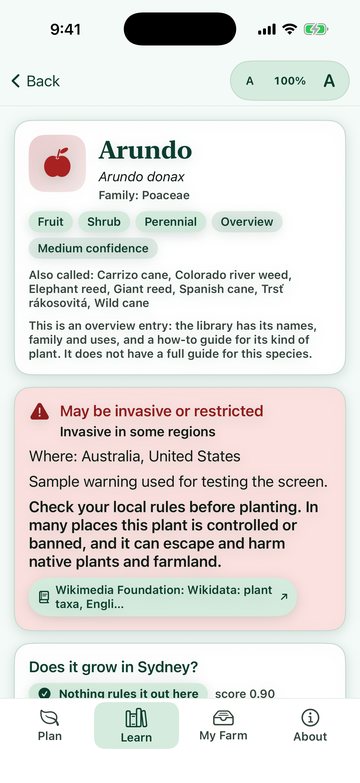
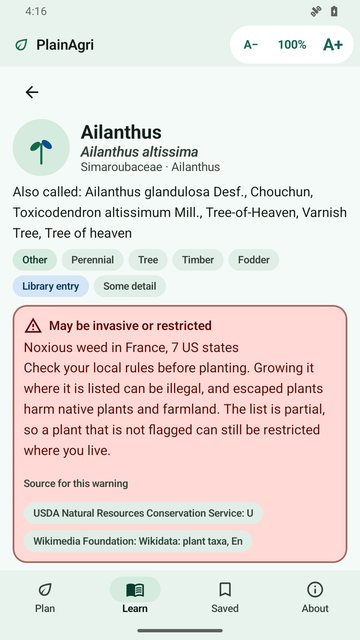
356 plants carry an invasive, noxious or weedy flag, with the regions and the source. 78 of them are hidden from suggestions and appear only if you search the exact name. Flags come mostly from United States lists, so no flag does not mean a plant is safe or legal where you live. Check your local rules.
Planning tools from your place
Free: What I havePro: plan builder and layouts
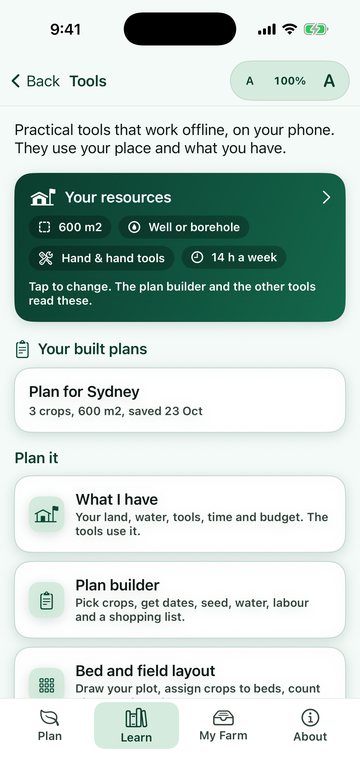
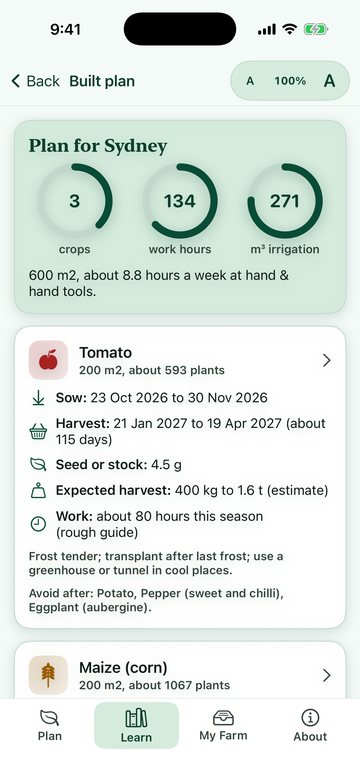
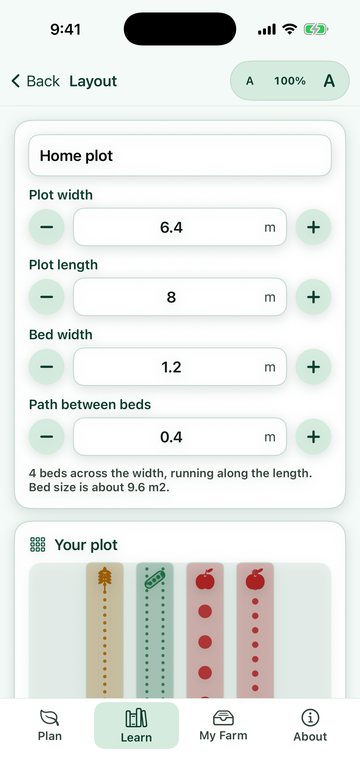
Tell the app your water, soil, land and tools, and it builds a plan from them. Lay out beds, plan a rotation, see monthly climate for your place, read a soil test, and schedule irrigation. Everything is calculated on your device, and every estimate is labelled as one.
My Farm: your records in one place
Pro
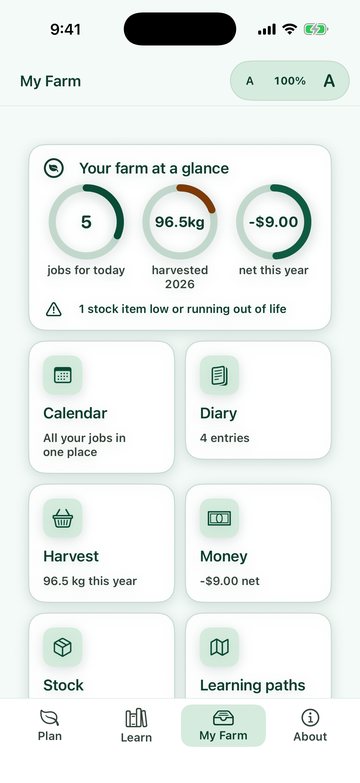
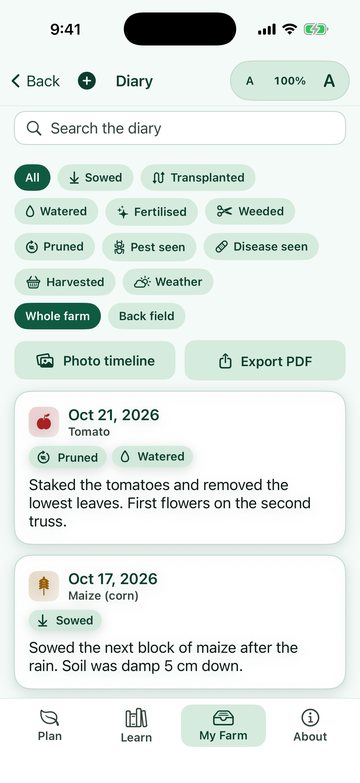
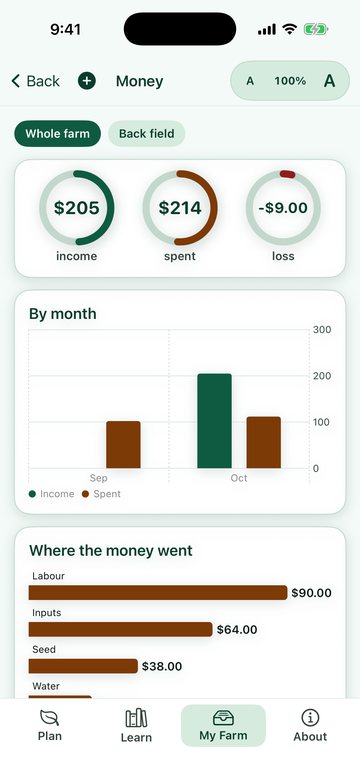
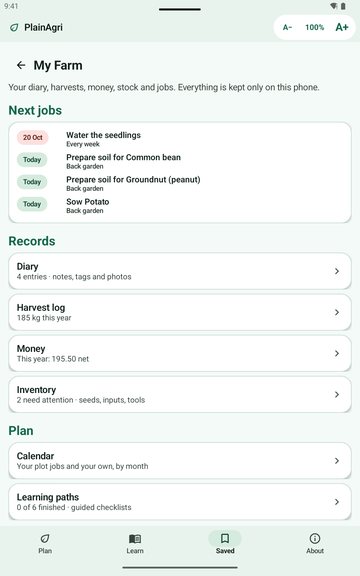
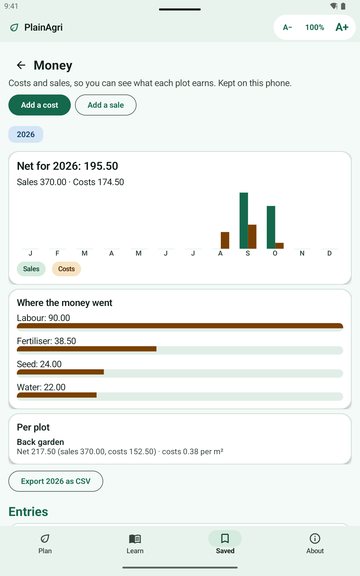
Keep a diary with photos, a harvest log, a simple money ledger and an inventory, then see them on a calendar. Follow a learning path, take notes, and back everything up to a file you keep. It stays on your device: no account, no server, no analytics. Widgets and shortcuts are included.
Crop pages for your place
Free: crop factsPro: growing guide
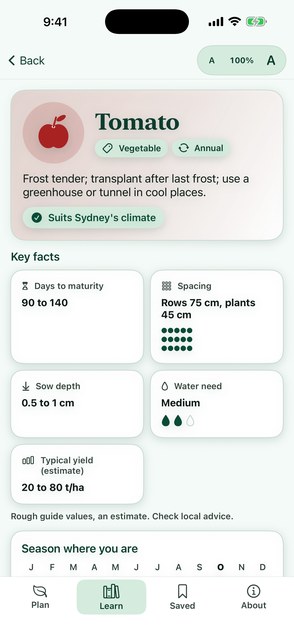
Pick a crop to see when it can be sown and harvested where you are, with days to maturity, a spacing sketch, sowing depth, water need, yield range and companion crops, all clearly labelled as estimates. The growing guide and an Add to my plot button are in Pro.
Diagnose what you see
Free: 3 walk-throughsPro: all 50
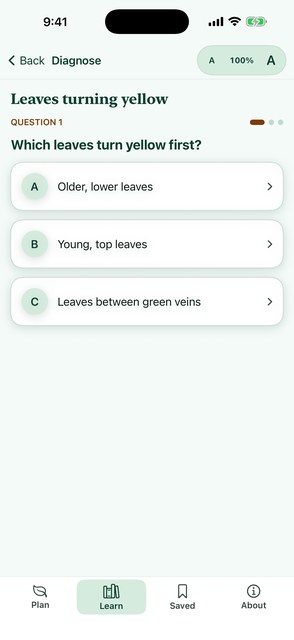
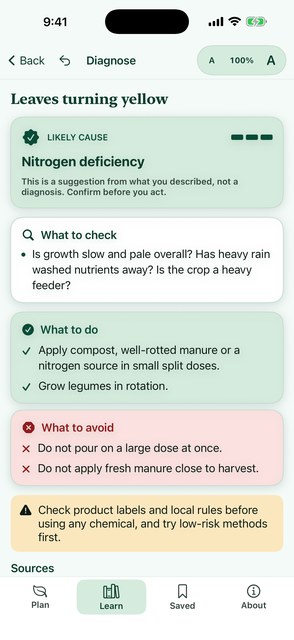
Answer a few plain questions about the leaves, the fruit or the stored grain. You get likely or possible causes, what to check, what to do and what to avoid, each with sources. Results are never presented as a certainty, and chemical advice always points you to labels and local rules.
Calculators with the formula showing
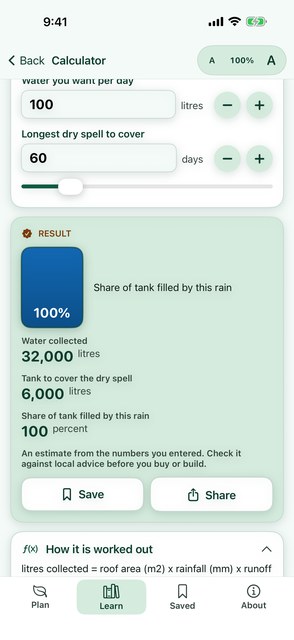
Free: rainwater, when to sowPro: all 13
Size a rainwater tank, work out how much irrigation water a bed needs, count plants and seed, plan fertilizer from a nutrient target, balance a compost heap, estimate storage space, and find your latest sowing date. Every calculator states its formula and assumptions and cites its sources.
My Plots and a season task list
Pro
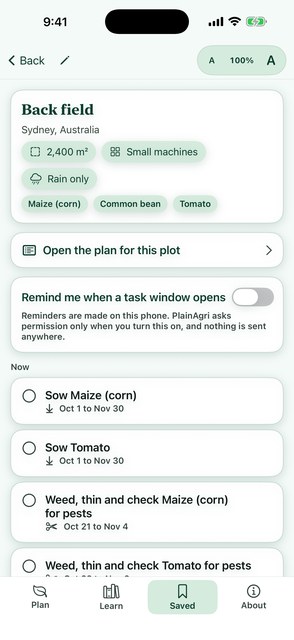
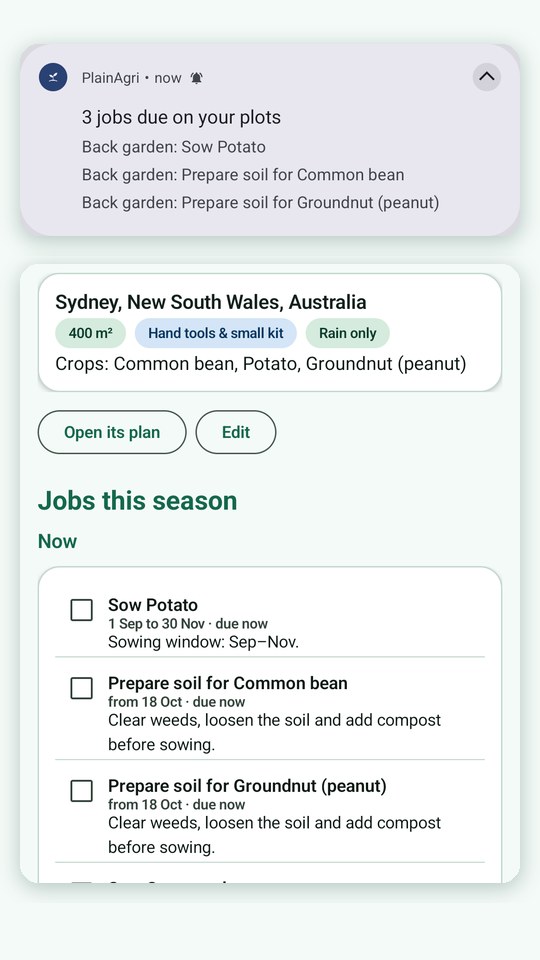
Save each plot with its place, area, scale, water and crops. The app builds a season task list: prepare the soil, sow, harvest, with the calendar shifted correctly for your hemisphere and the equator. Reminders are optional, switched on per plot, and scheduled on your device. Nothing is sent anywhere.
This month, at the top
Free: outlinePro: your plots
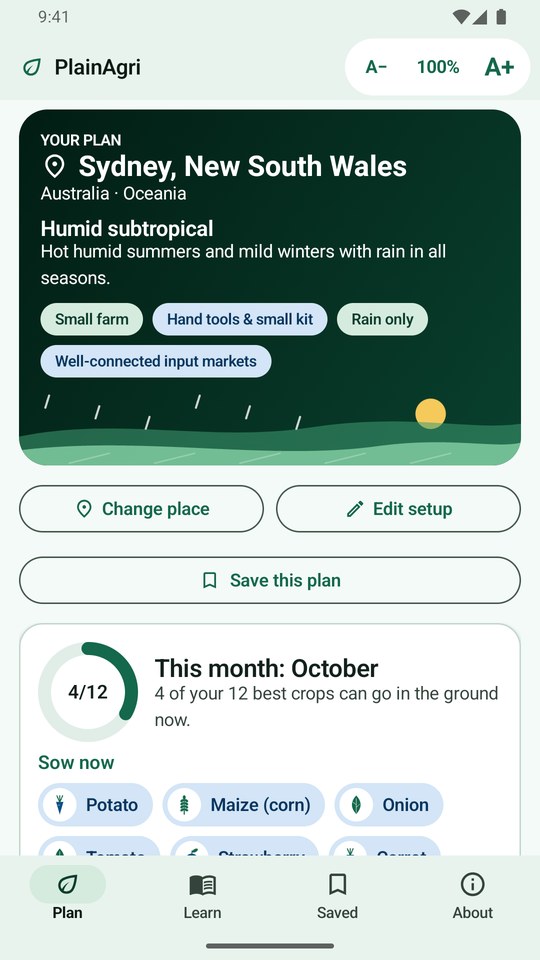
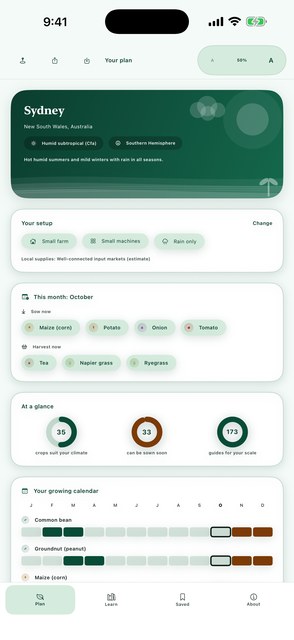
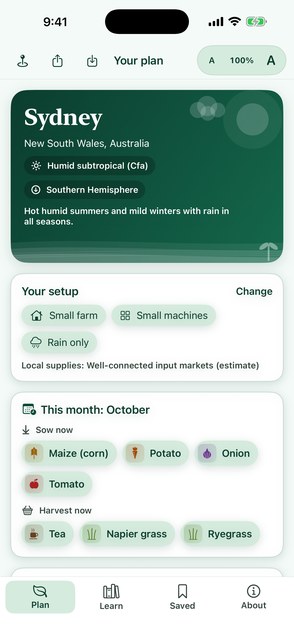
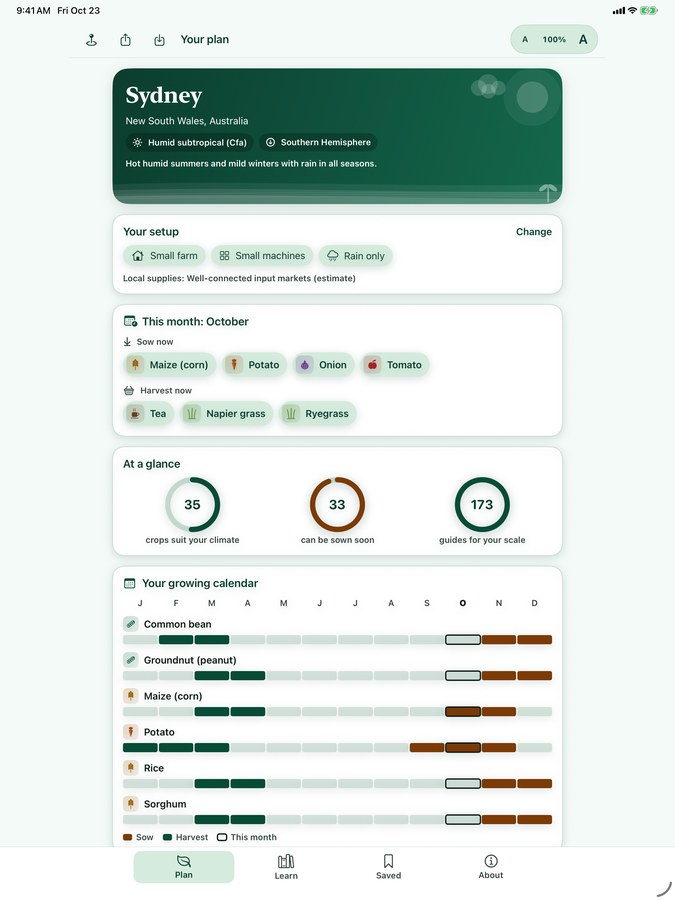
Open the Plan tab and the first card says what to sow now, what to harvest now and what is coming next month for your place. With plots saved, your own open tasks join it.
Words explained, right where you read them
Free
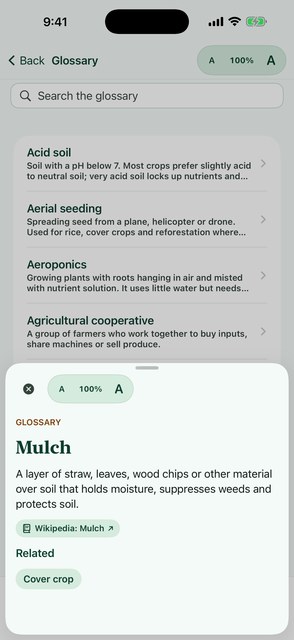
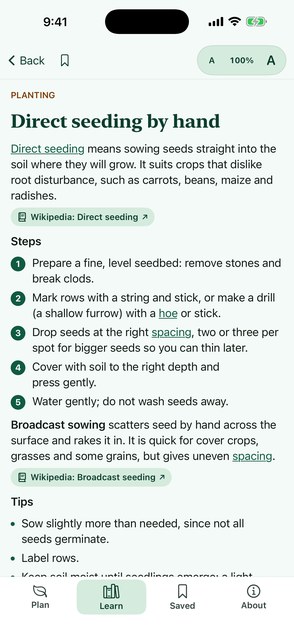
271 terms in plain language. In plan and guide text, an underlined word opens a short definition with related terms and sources, then closes back to exactly where you were.
Equipment from a dibber to a drone
Free: the list
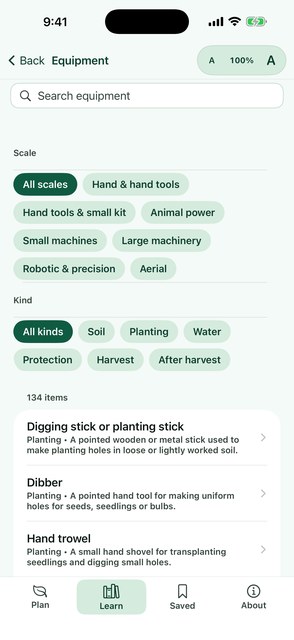
134 tools and machines across all seven scales: hand tools, draft animals, small and large machinery, robotic and precision systems, and aerial work. Filter by scale and kind, and every entry says what it needs, the area it suits and the manual alternative.
Take your plan with you
Pro
Export a plan, or one plot's plan, as a PDF with every section and a numbered source list with web addresses, and share it with the system share sheet. Handy for a co-op meeting, an extension visit or a landlord.
The PDF is plain and printable: your place and setup, each plan section, and a numbered list of sources.
Text size that fits you
Free, everywhere
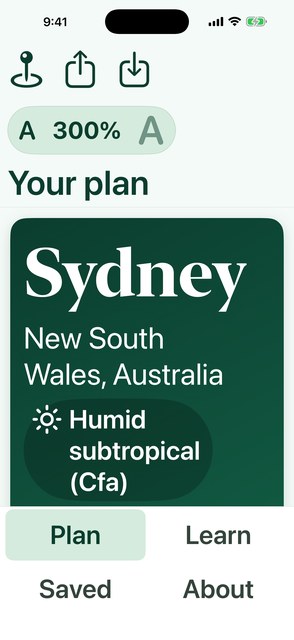
Every screen has an A- and A+ control with the exact percentage, from 50 to 300 percent. It scales the whole app, including the tab bar and sheets, on phones, tablets and foldables, and layouts reflow instead of cutting words off. Try the zoom.
Your colours, NutriSize by default
Free, everywhere
The app opens in the clean NutriSize Health look: white and soft green with deep green and blue accents, always light. If you prefer something else, Appearance in the About tab offers Field (warm earth tones) and Night (dark). Your choice is saved on your device.
Fluid on every device
Free
Layouts adapt from small phones to tablets: reading width is capped and centred on wide screens, bars tuck away while you scroll at large text sizes, and the app rotates on iPad and Android. Checked on a range of simulated phones, tablets and a foldable.
Screens show sample places and plots. Guides are AI-drafted and spot-checked; nothing is called expert-reviewed until a named expert signs off. Always confirm local conditions and product labels.