
Fretnook
Chord finder, songbook, strum
Screenshots

Description
Fretnook shows you the chord you are after, drawn exactly for the instrument in your hands.
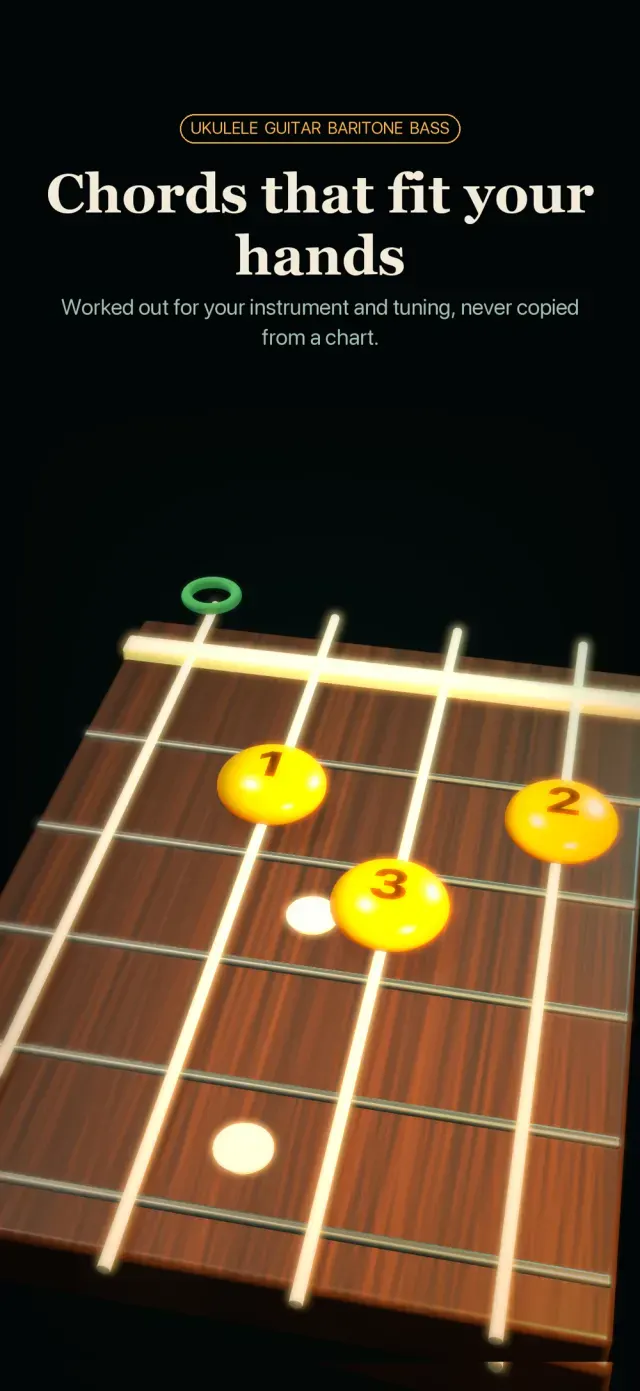
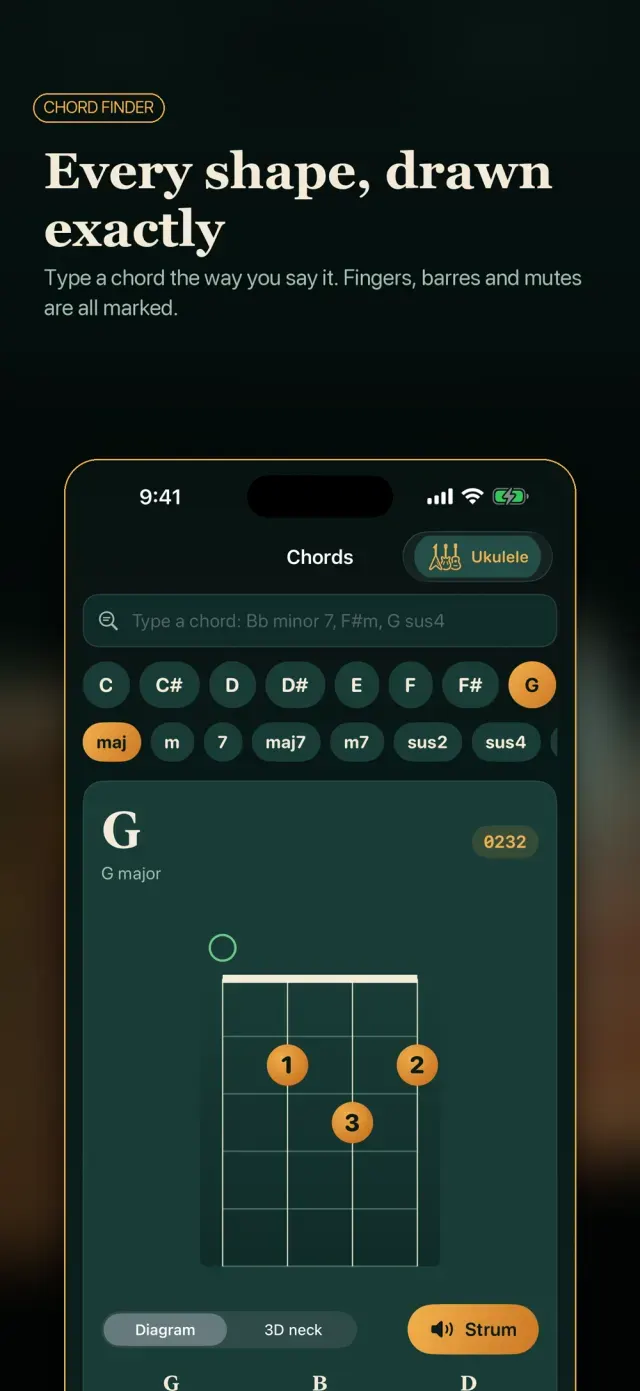
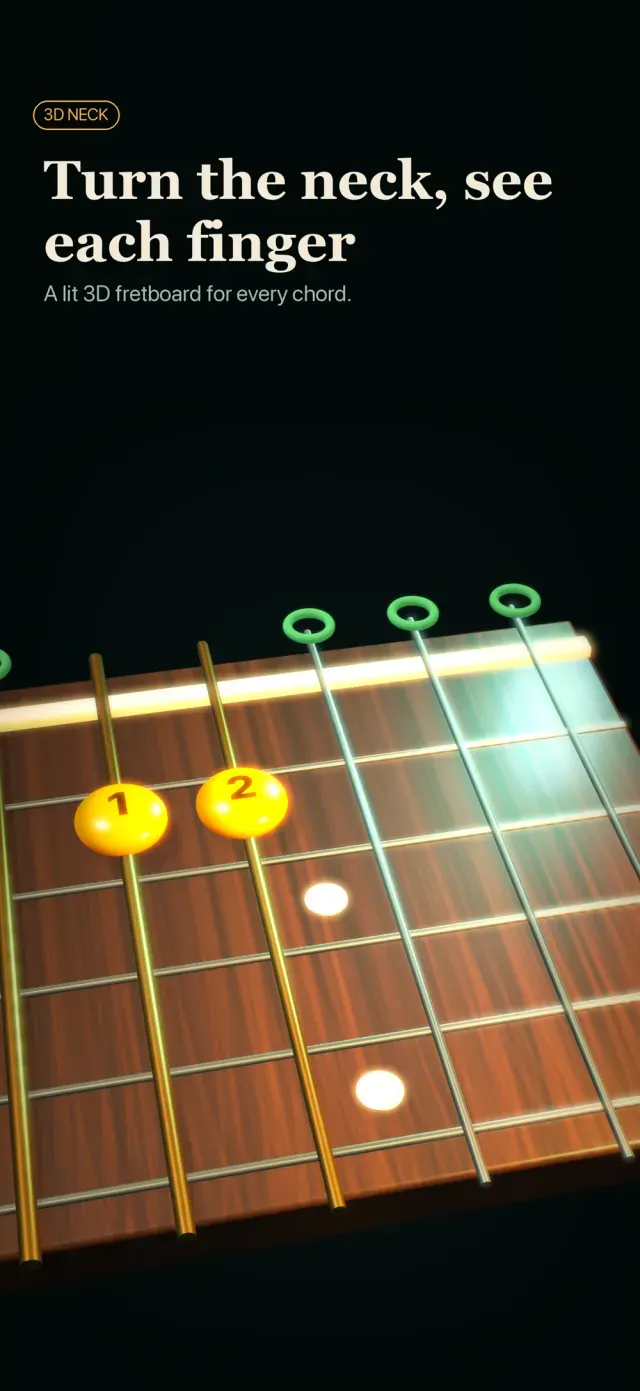
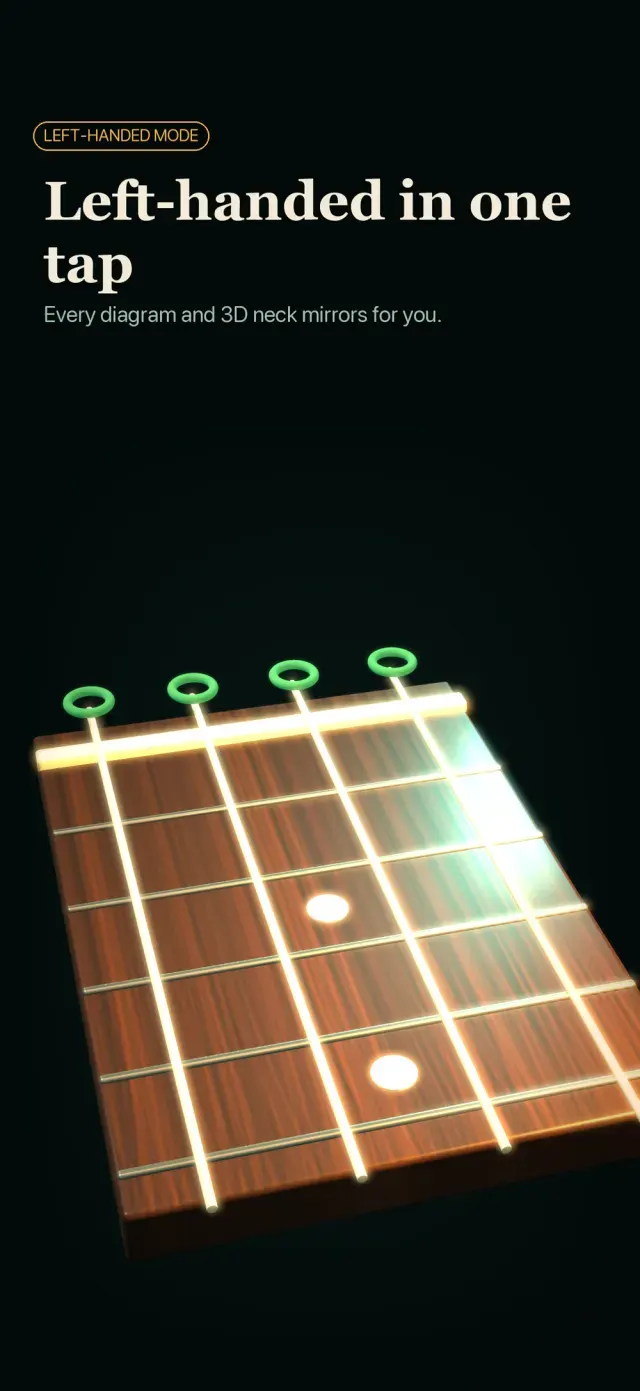
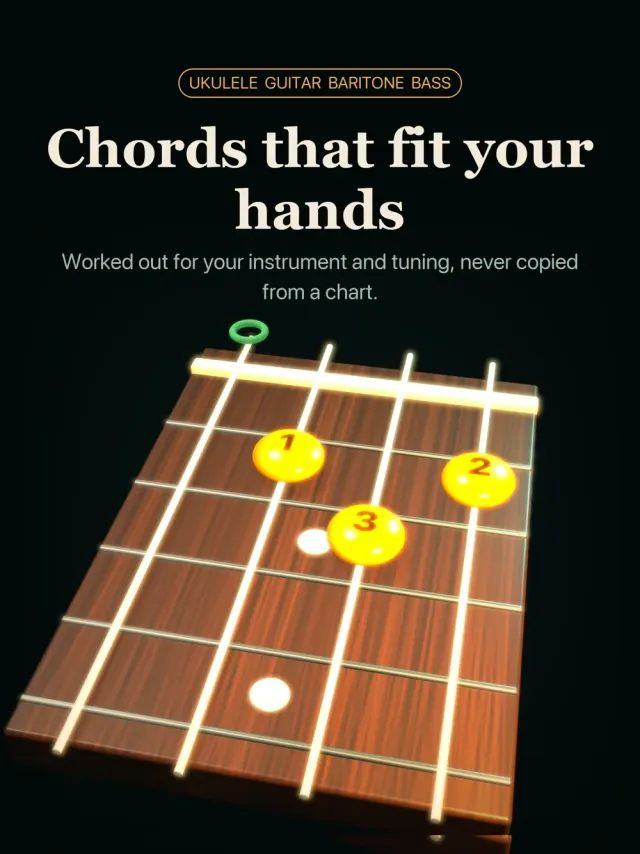
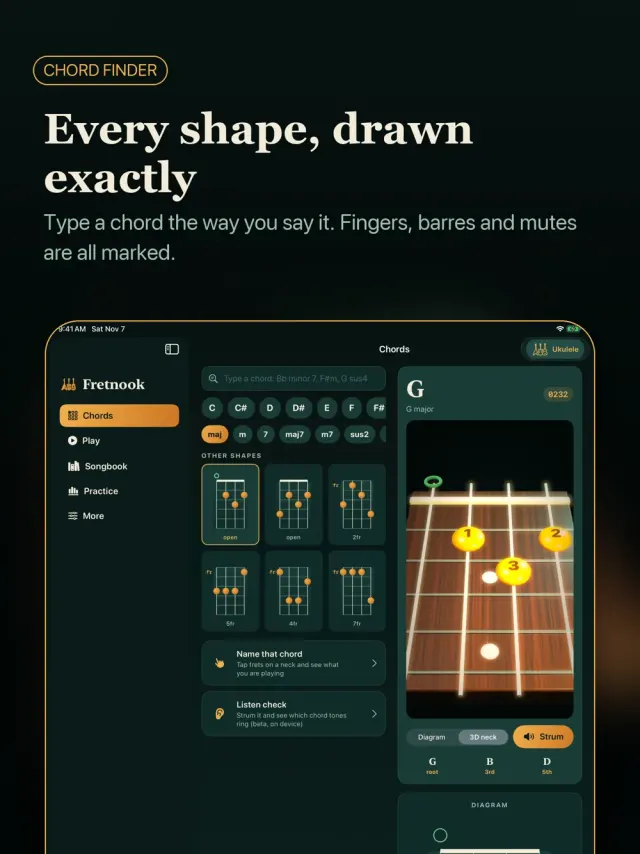
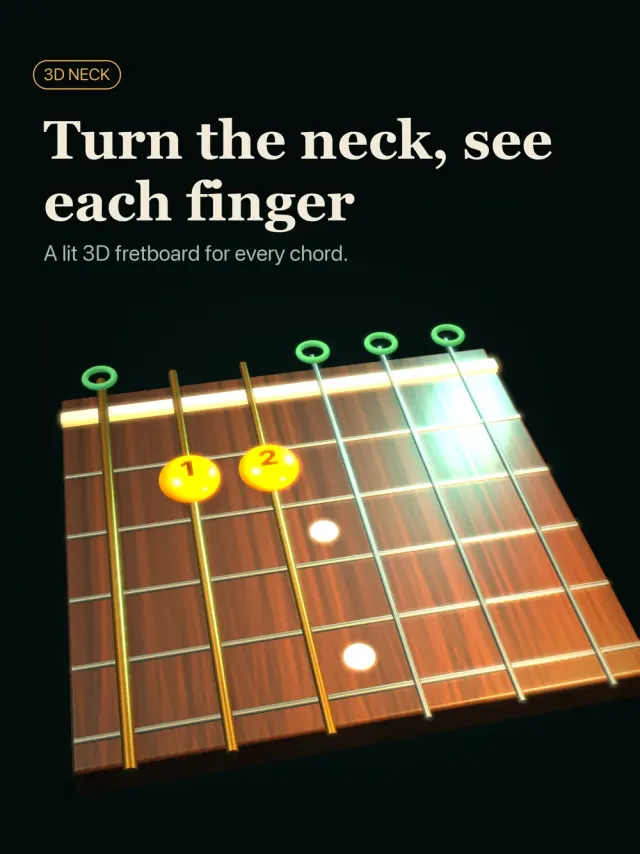
Pick ukulele, baritone ukulele, guitar or bass, choose your tuning (low-G ukulele, drop D, DADGAD, open tunings and more) and Fretnook works the shapes out from the string notes. Every diagram has fingers, barres, muted and open strings marked, and a lit 3D neck you can turn and zoom. Left-handed? One switch mirrors everything.
Chords You Can Say
Type "Bb minor 7" or "F#m" and go. Slide through other shapes up the neck, tap a fretboard to ask what chord you are holding, and hear any shape strummed.
Play the Changes
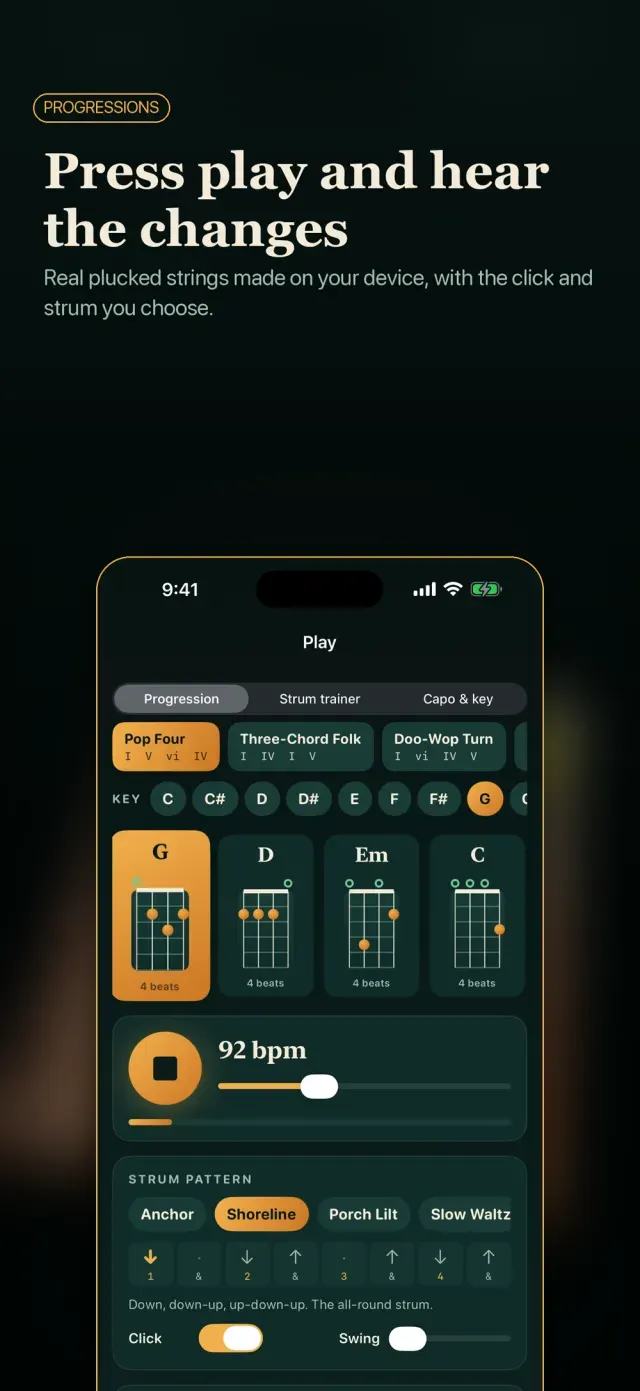
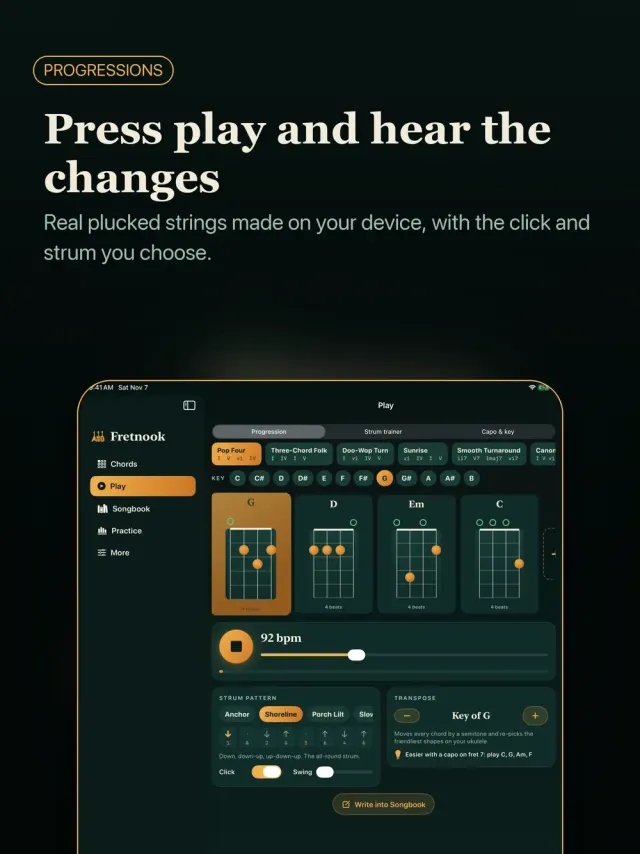
Choose a classic progression or build your own, set the key and tempo, pick a strum or picking pattern and press play. The sound is made on your device, string by string.
Strum Trainer
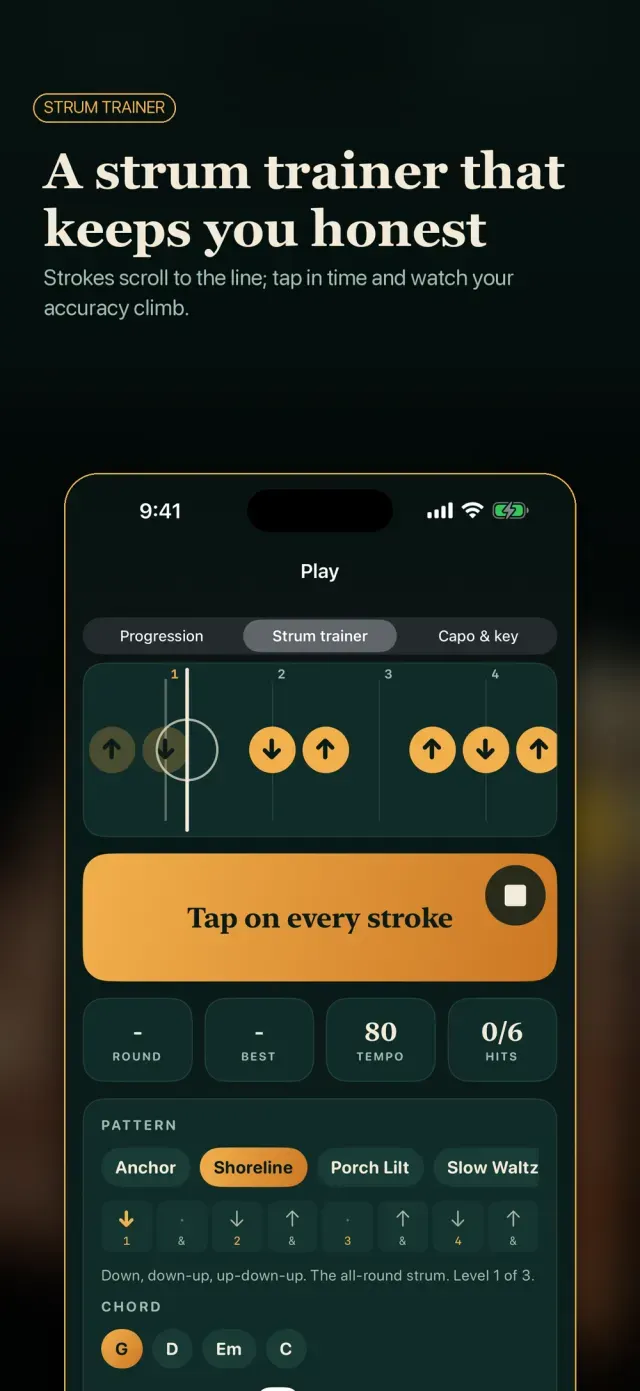
A scrolling beat guide carries each stroke to the line. Tap in time, see how early or late you are, and let the tempo climb as you improve.
Capo and Key Helper
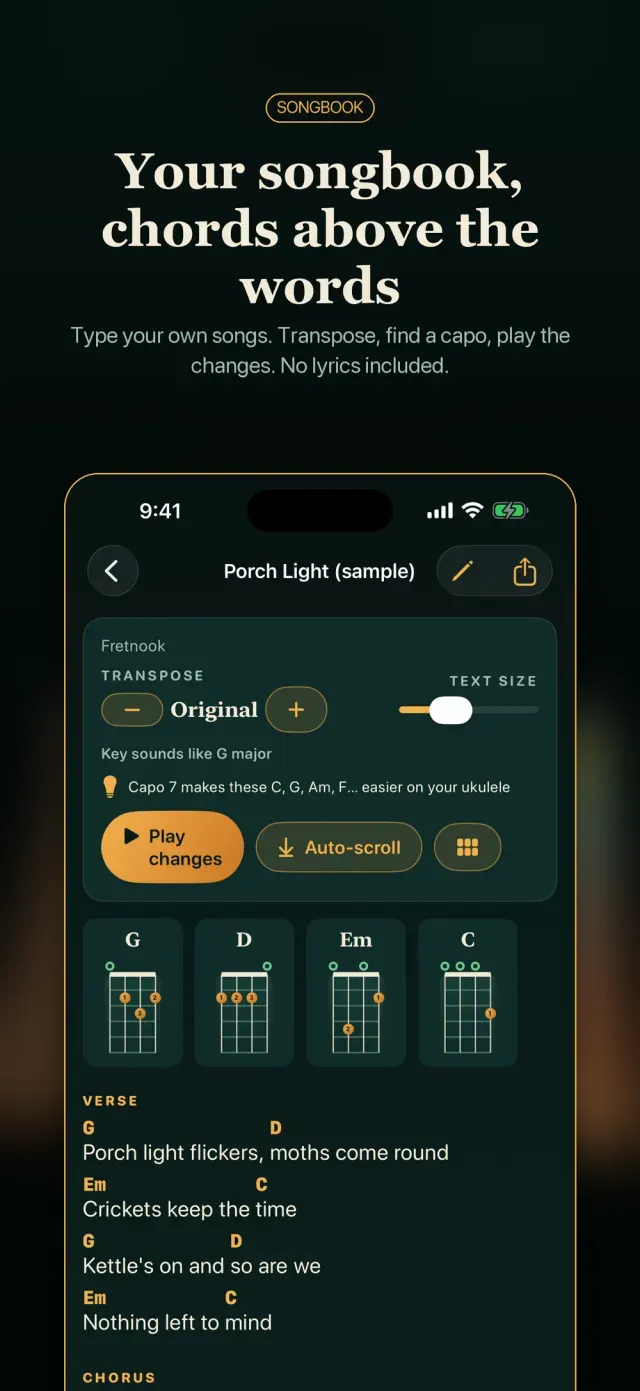
Transpose a progression or song a semitone at a time, and see which capo position gives the friendliest shapes for your instrument.
Your Songbook
Write your own chord sheets in plain text, with chords in brackets or above the words. Fretnook lines them up for you, transposes, shares as text and plays the changes. Only what you type is in it: no lyrics are included.
Practice Log
Time your sessions, drill chord changes against the clock, keep a streak and see your week at a glance. Fretnook suggests chords from your songs that you have not drilled yet.
LISTEN CHECK (BETA) Strum a chord and see which of its tones ring, using the microphone only while that sheet is open. Best on plain major, minor and suspended chords.
Free with ads, optional monthly ad-free. Free with ads. An optional monthly plan removes ads.
What's New
First release.
You might also like
 TonewickMetronome, tuner and drone
 TimesprintTimes tables in a minuteComing soon
 EosinwellHistology slides and stainsComing soon
 BindwellPharmacology receptor labComing soon
 EbbmarkSpaced-repetition study slipsComing soon
 FlagstepCivics questions, spoken aloudComing soon
More from EqualInformation
All apps ShadewrightShadow-puppet stencil puzzlesComing soon
 CalcwickUnits, money, tips and datesComing soon
 DayspireCountdown widgets and scenesComing soon
 DimeglowLog spending in one sentenceComing soon
 DipwickService reminders & fuel logComing soon
 EaveslyHome upkeep and warranty vaultComing soon
 FellwickHabits as trails you walkComing soon
 FoliowickScan to searchable PDFComing soon