
Screenshots

Description
Tonewick is a small practice room for people who play or sing.
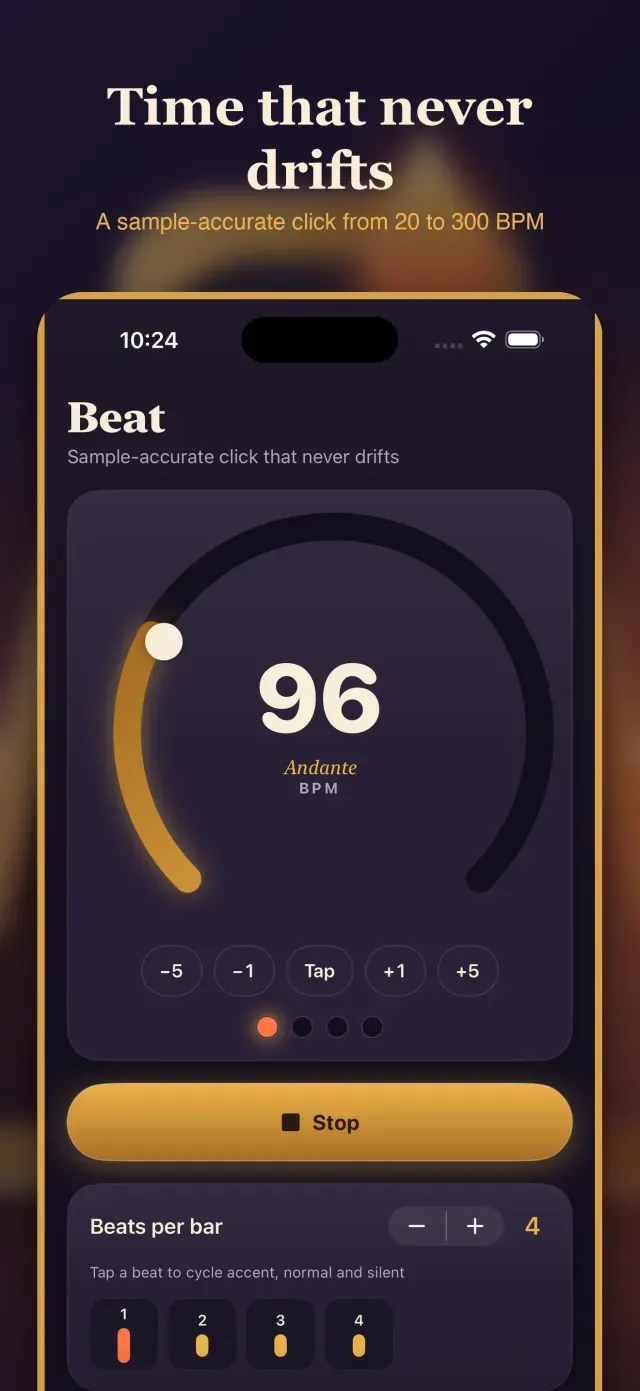
Beat
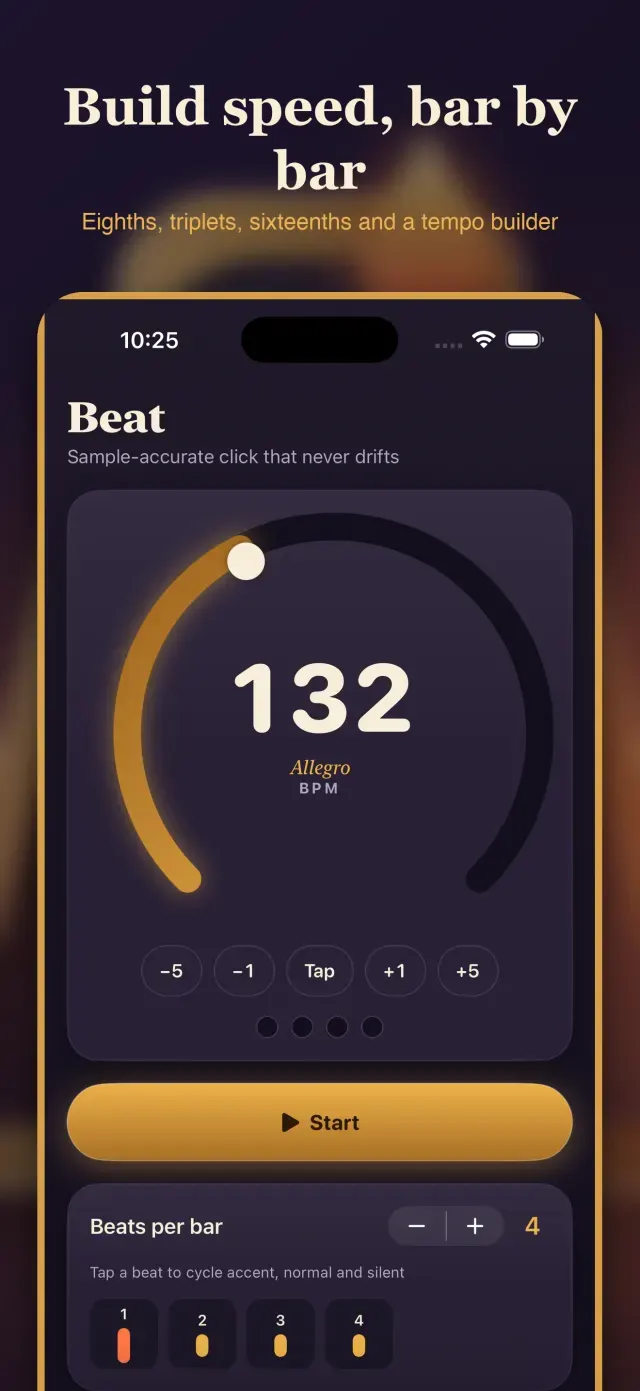
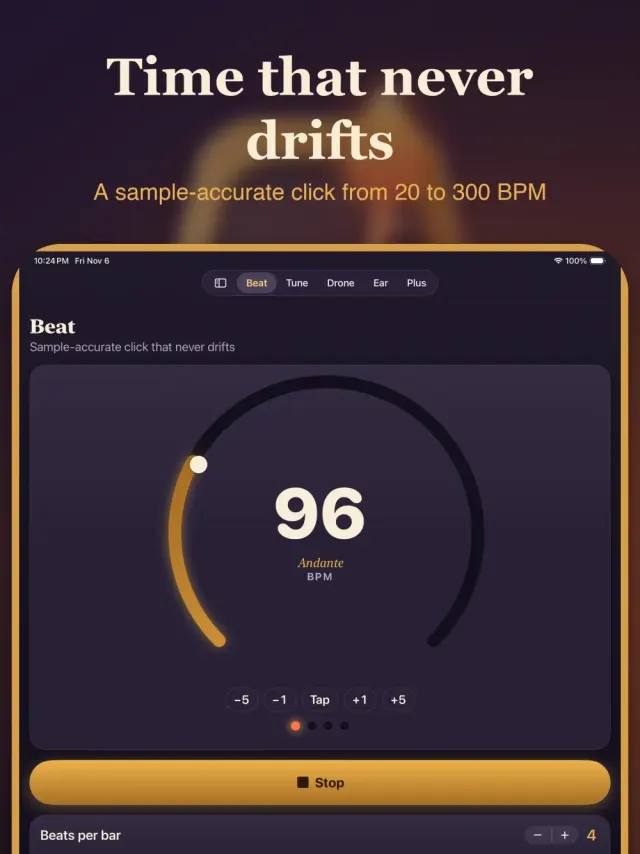
A click that holds its tempo to the sample, from 20 to 300 beats per minute. Turn the big dial or tap the tempo, choose how many beats make a bar, and tap each beat to make it loud, normal or silent. Play straight beats, eighths, triplets or sixteenths with a woodblock, rim shot, pure beep or brush tick. A speed builder can nudge the tempo up every few bars until you reach the ceiling you set.
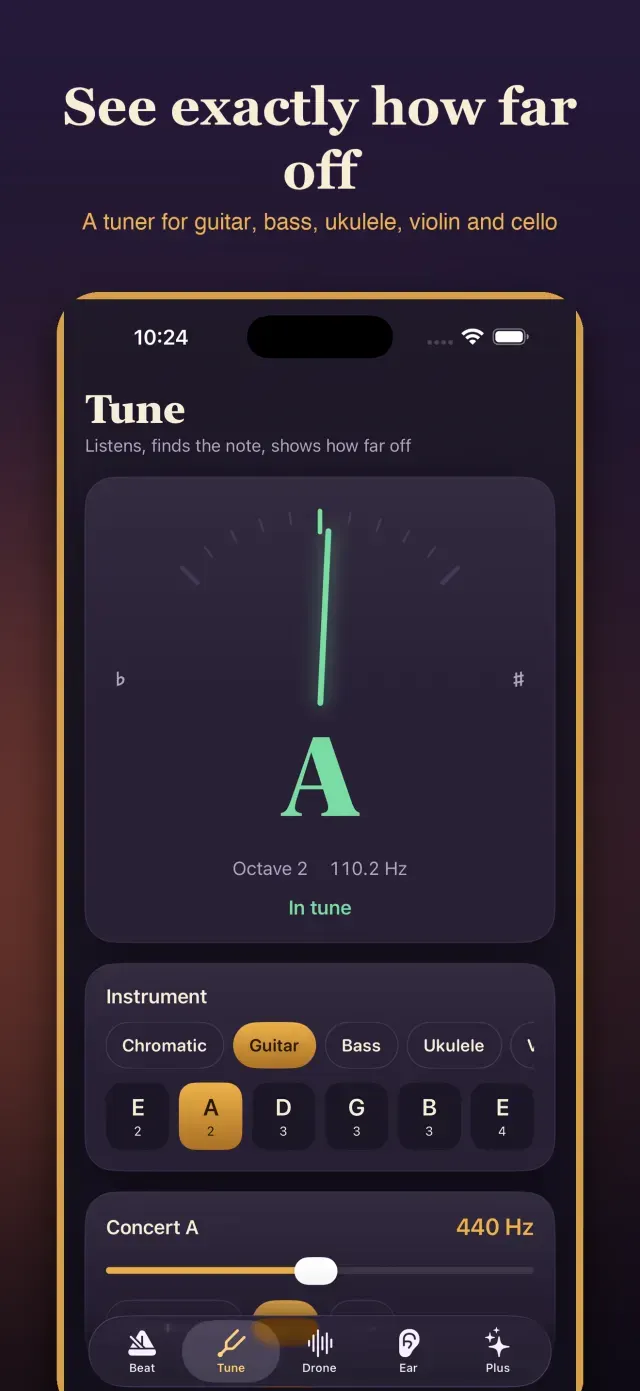
Tune
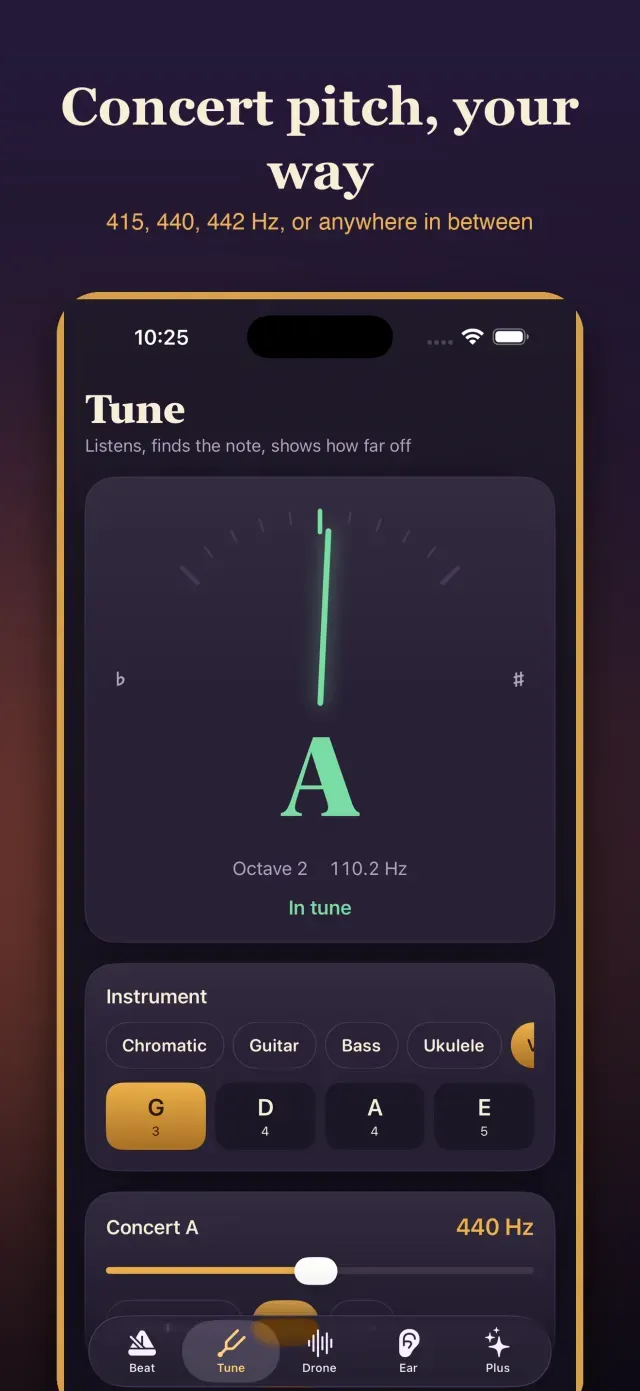
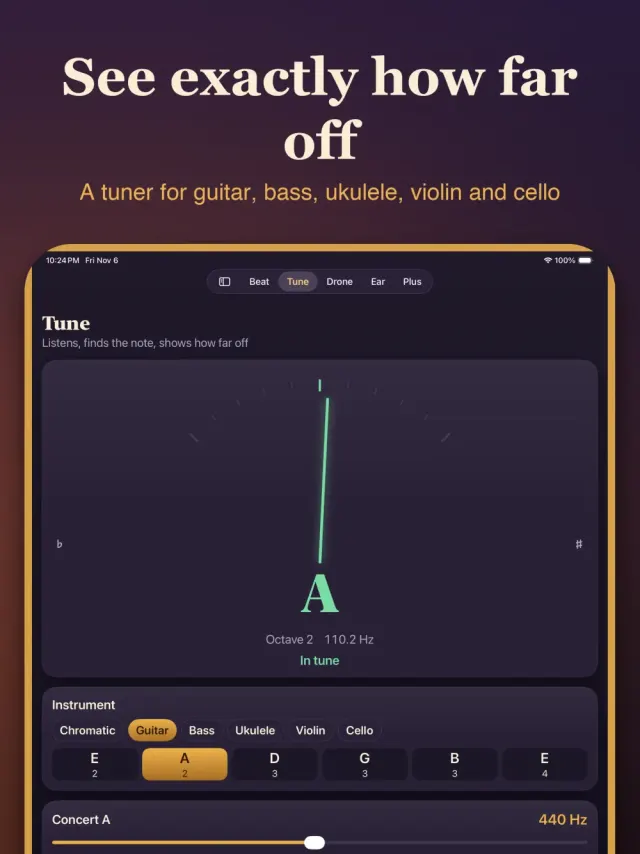
Pick Chromatic, Guitar, Bass, Ukulele, Violin or Cello and play a note. A needle shows how many cents sharp or flat you are, with the nearest note name and frequency. Concert A can sit at 415, 440 or 442 Hz, or anywhere in between.
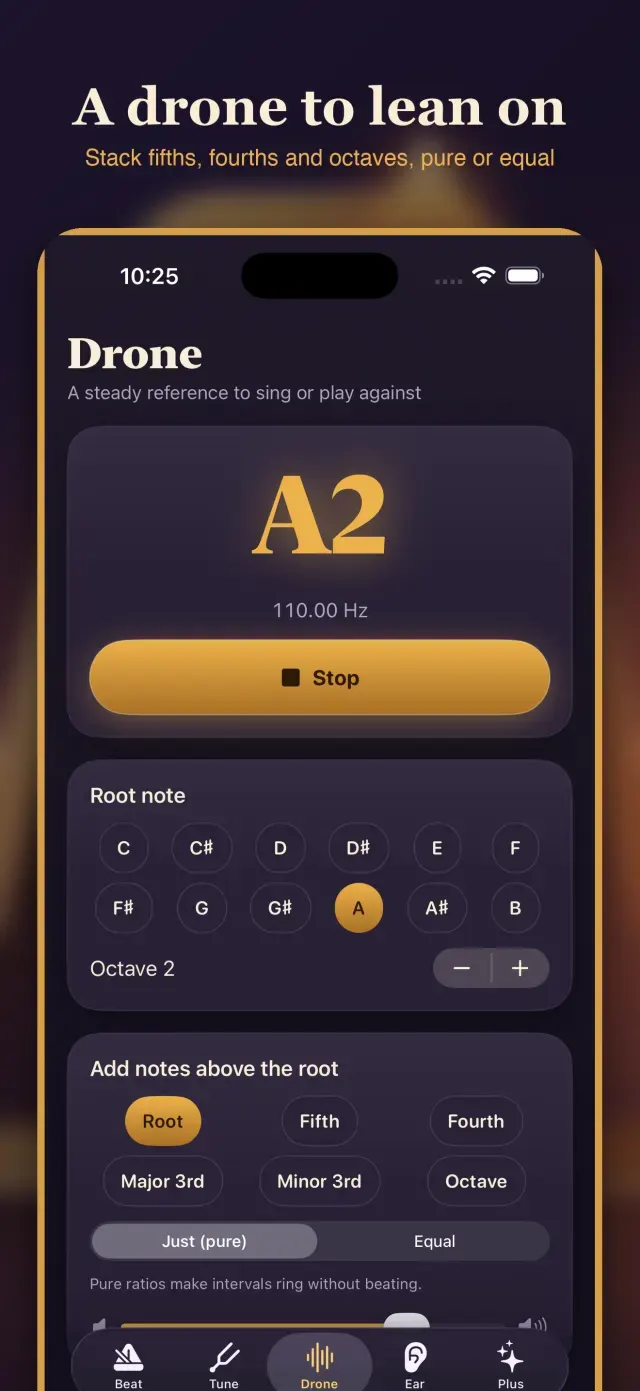
Drone
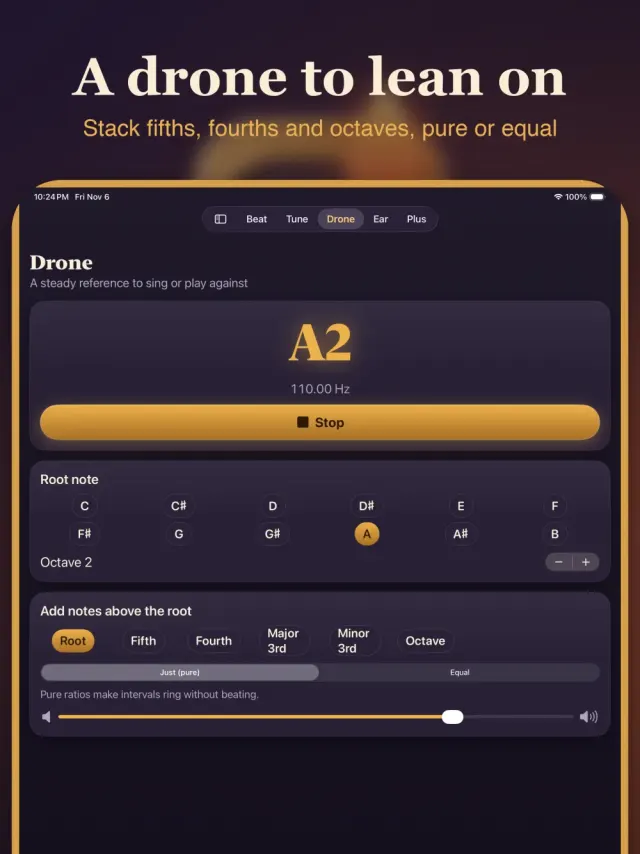
Choose a root note and let it sustain, then stack a fifth, fourth, third or octave above it. Switch between just ratios, which ring without beating, and equal temperament to hear the difference for yourself. Sing or play against it to settle your intonation.
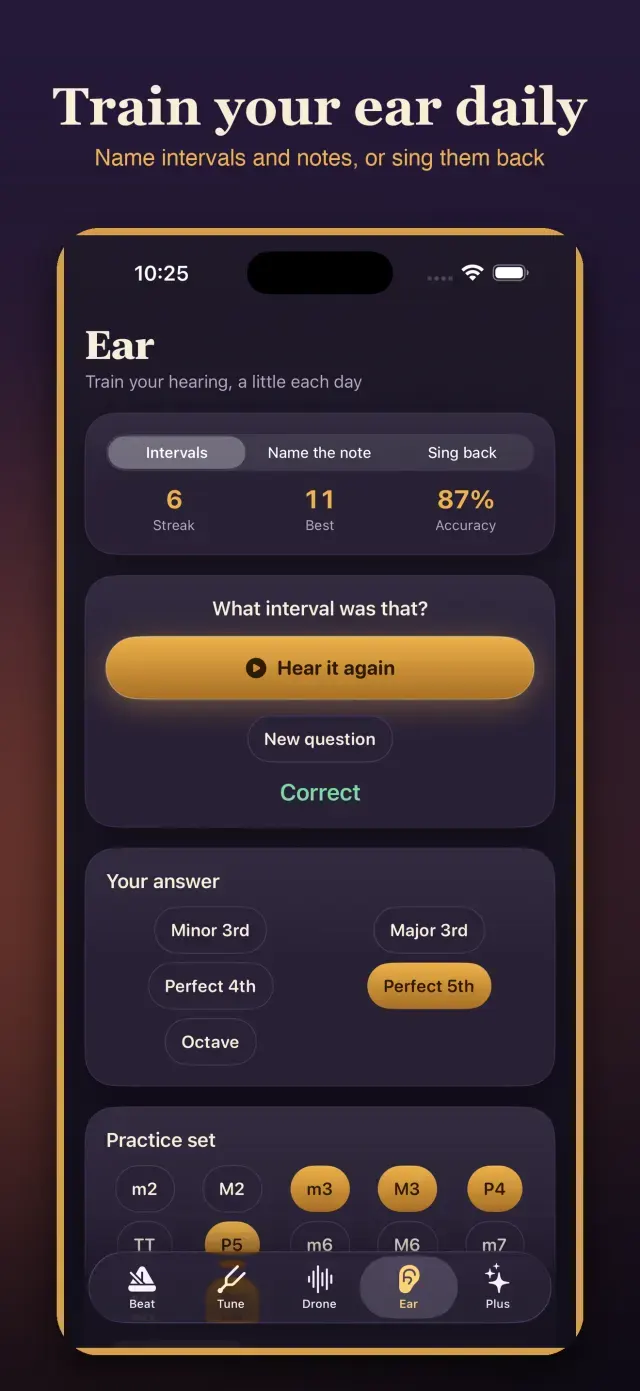
Ear
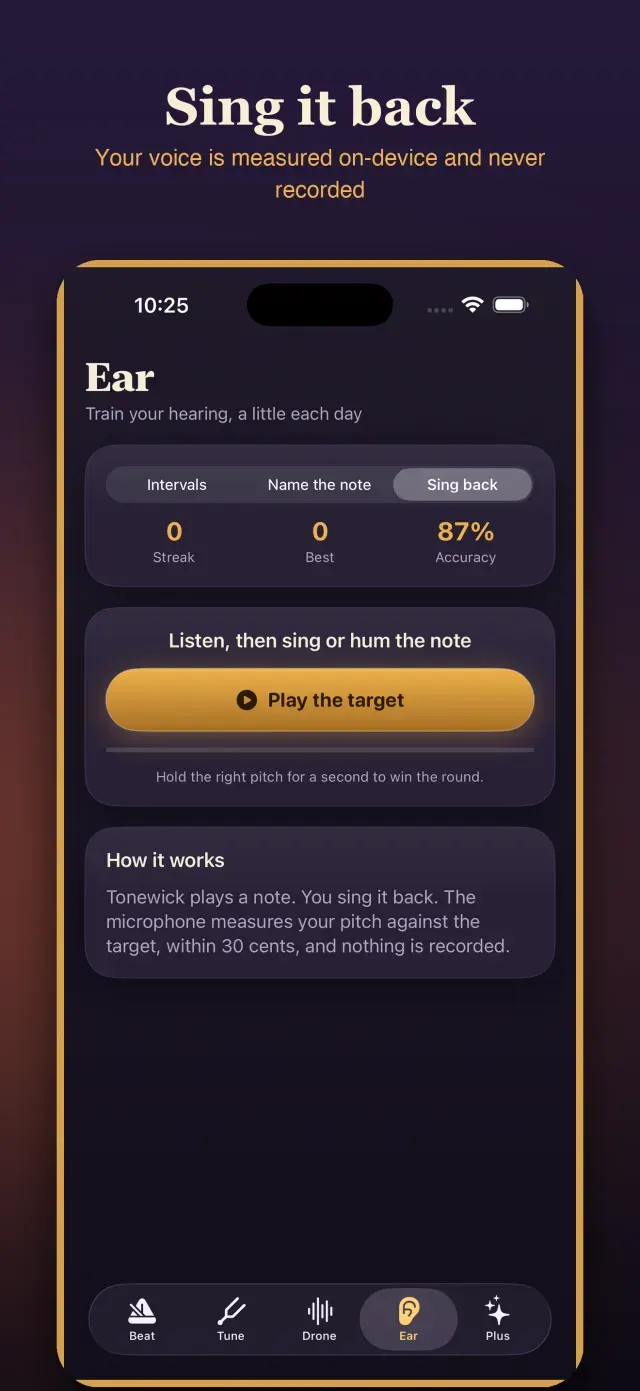
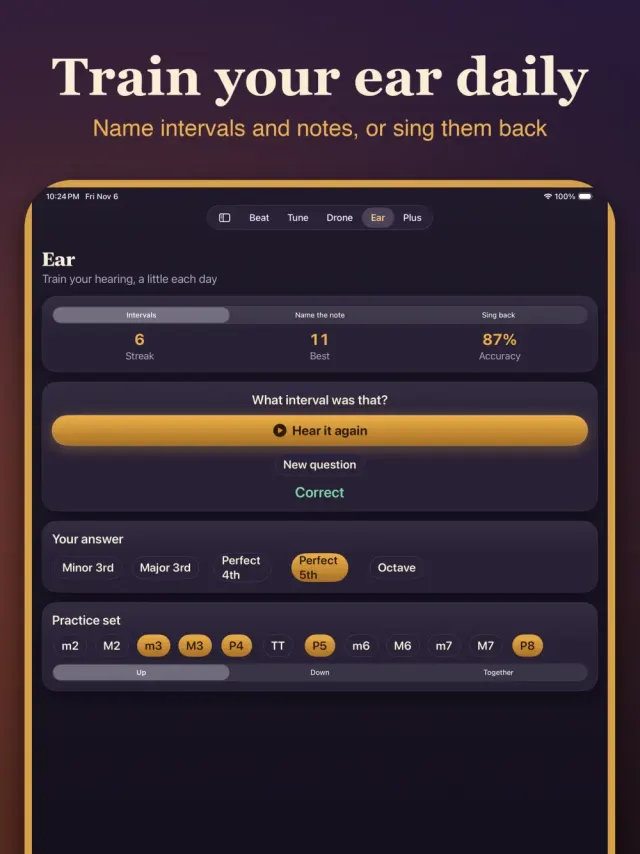
Three short drills: name the interval, name the note you heard, or sing a note back and see how close you landed. Choose which intervals to practise, ascending, descending or together, and keep an eye on your streak and accuracy.
Your Audio Stays Put
Tonewick listens only on the Tune screen and the Sing back drill, to find the pitch. Sound is analysed live on your device and is never recorded, stored or sent anywhere. Everything else works without microphone access, and the whole app works offline.
Free with ads, optional monthly ad-free. Free with ads. An optional monthly plan removes ads.
What's New
First release. Beat, Tune, Drone and Ear in one pocket practice room.
You might also like
 FretnookChord finder, songbook, strumComing soon
 TimesprintTimes tables in a minuteComing soon
 EosinwellHistology slides and stainsComing soon
 BindwellPharmacology receptor labComing soon
 EbbmarkSpaced-repetition study slipsComing soon
 FlagstepCivics questions, spoken aloudComing soon
More from EqualInformation
All apps ShadewrightShadow-puppet stencil puzzlesComing soon
 CalcwickUnits, money, tips and datesComing soon
 DayspireCountdown widgets and scenesComing soon
 DimeglowLog spending in one sentenceComing soon
 DipwickService reminders & fuel logComing soon
 EaveslyHome upkeep and warranty vaultComing soon
 FellwickHabits as trails you walkComing soon
 FoliowickScan to searchable PDFComing soon