
Screenshots
Description
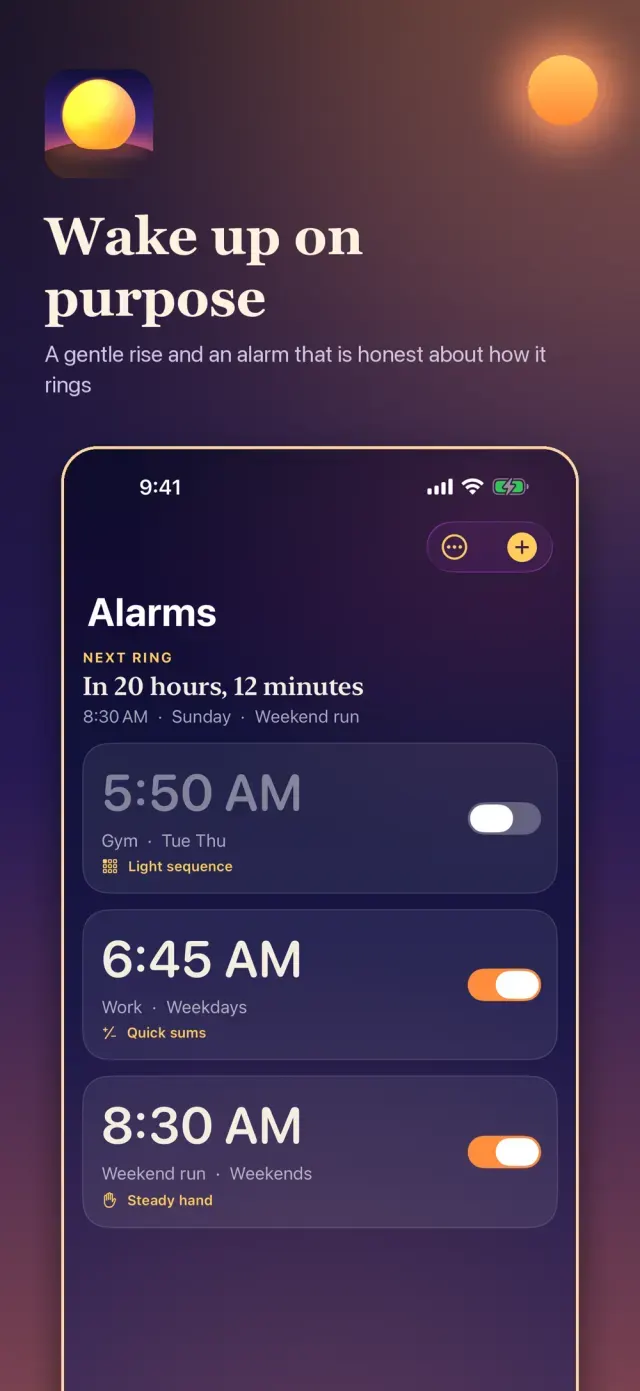
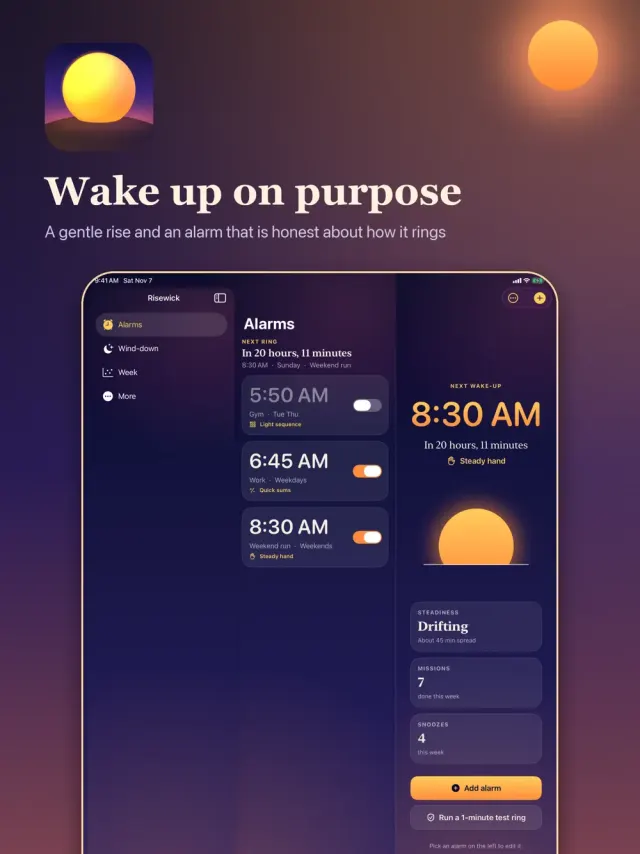
Mornings go better when the alarm starts gently and ends with you actually awake.
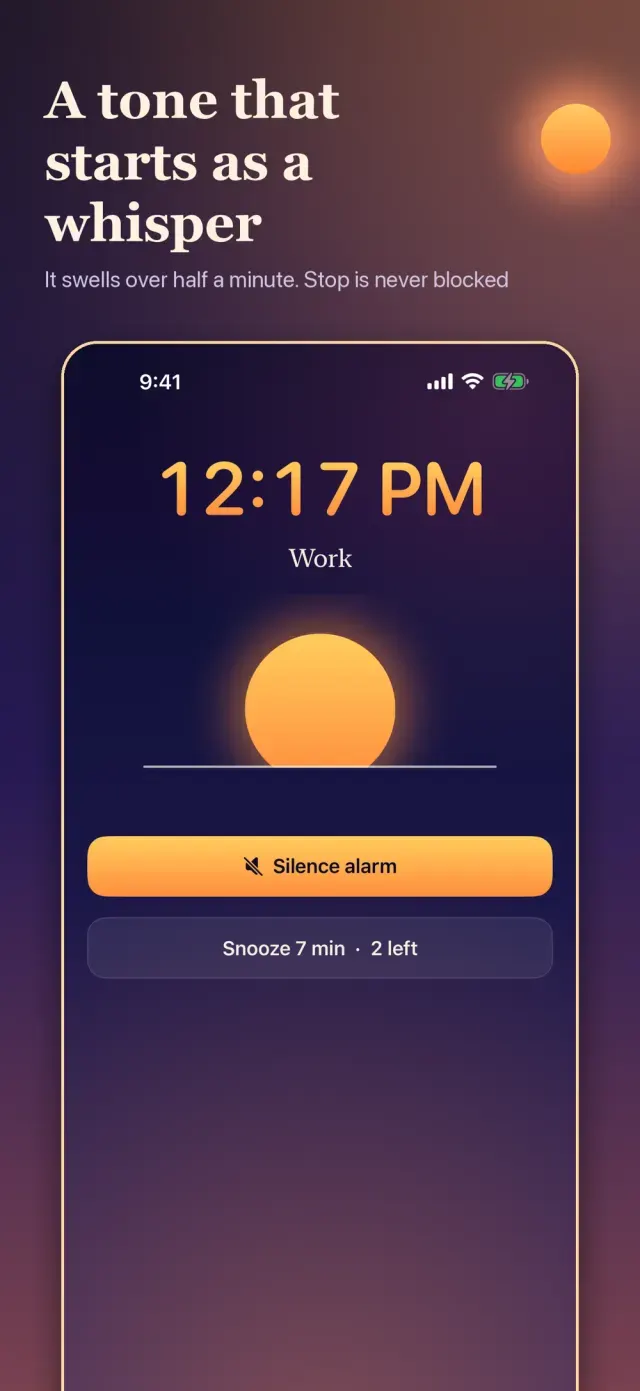
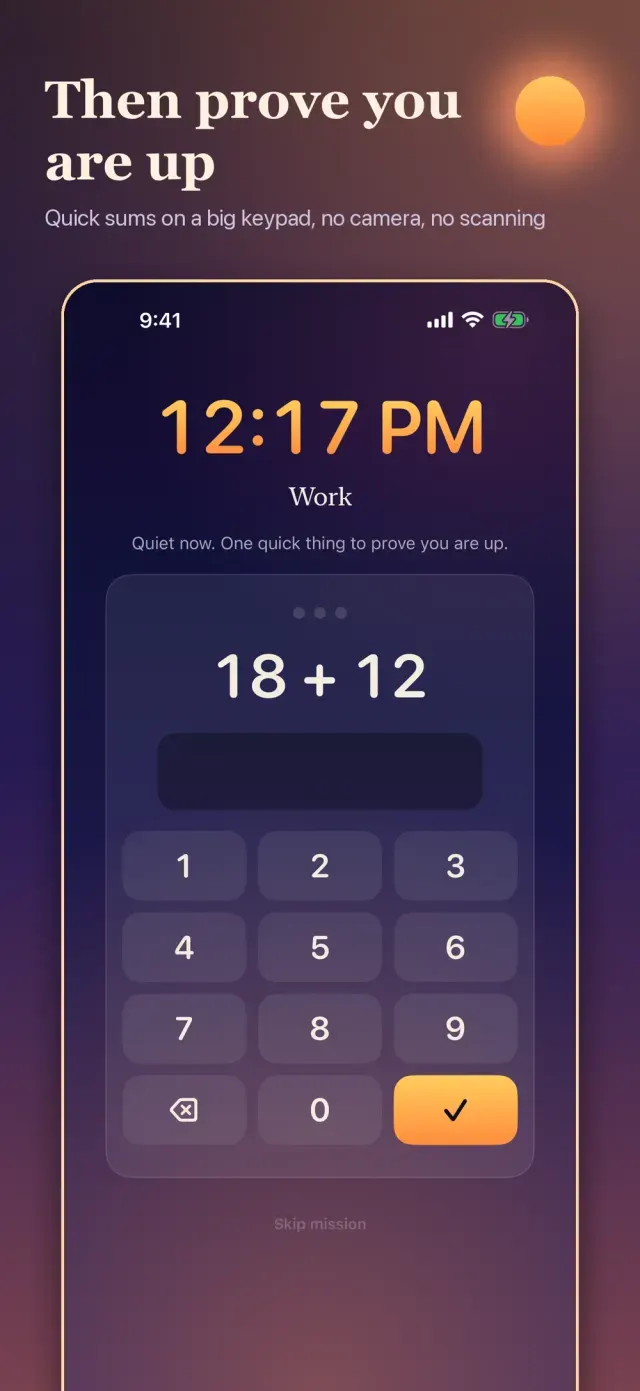
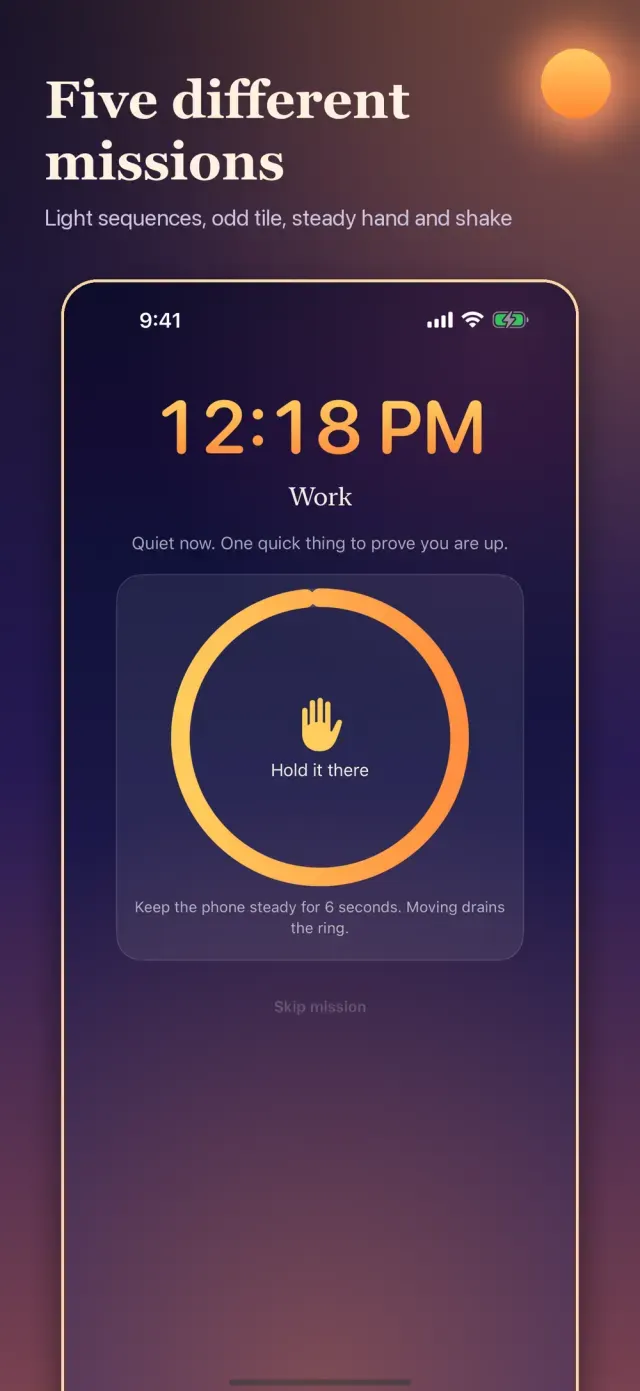
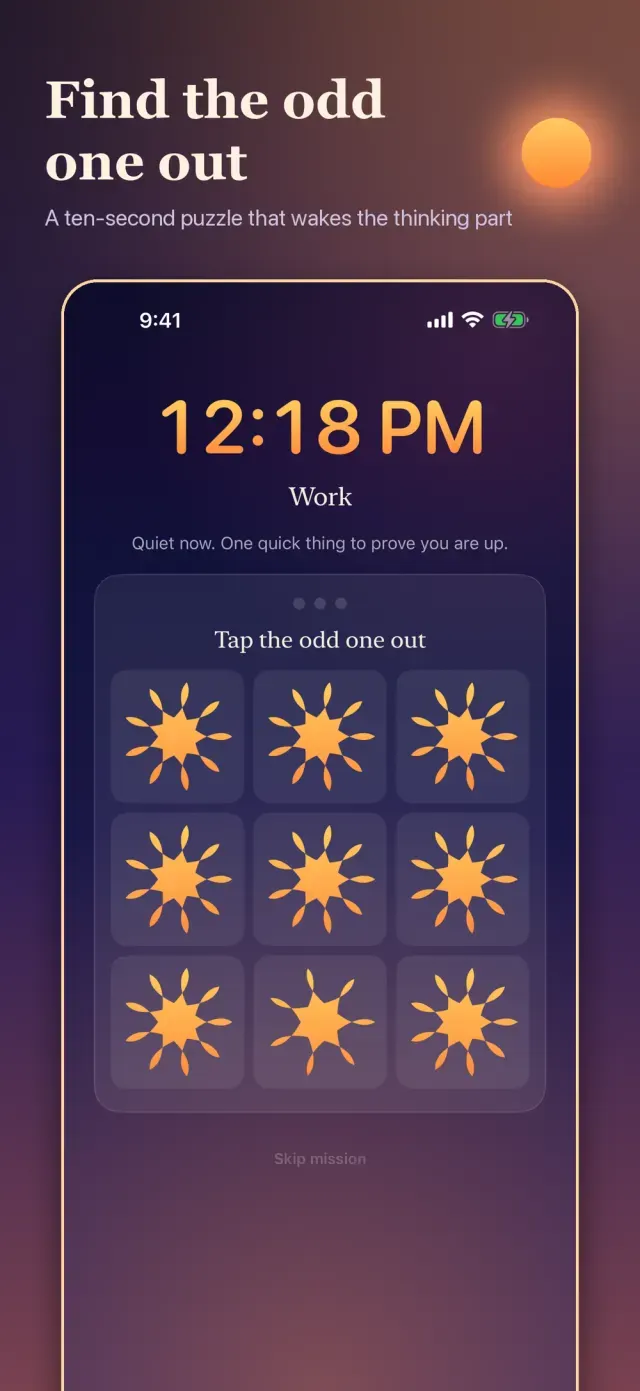
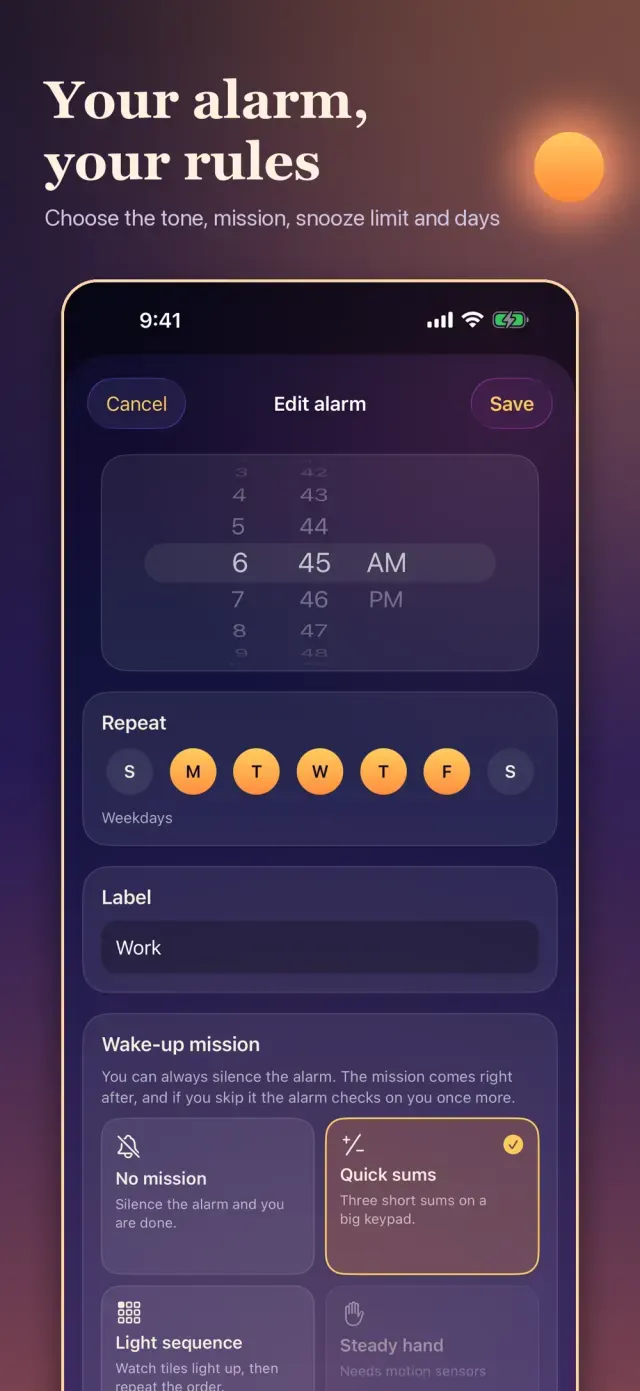
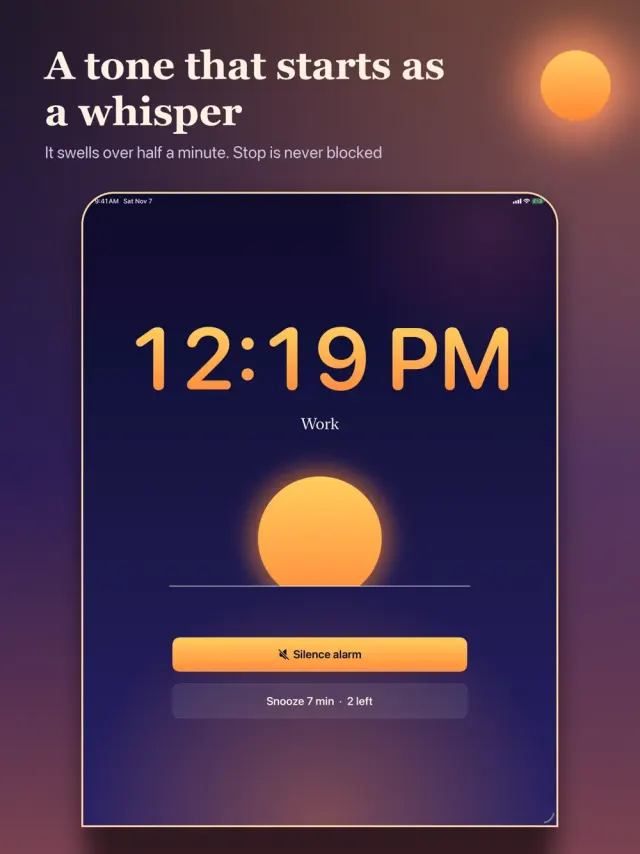
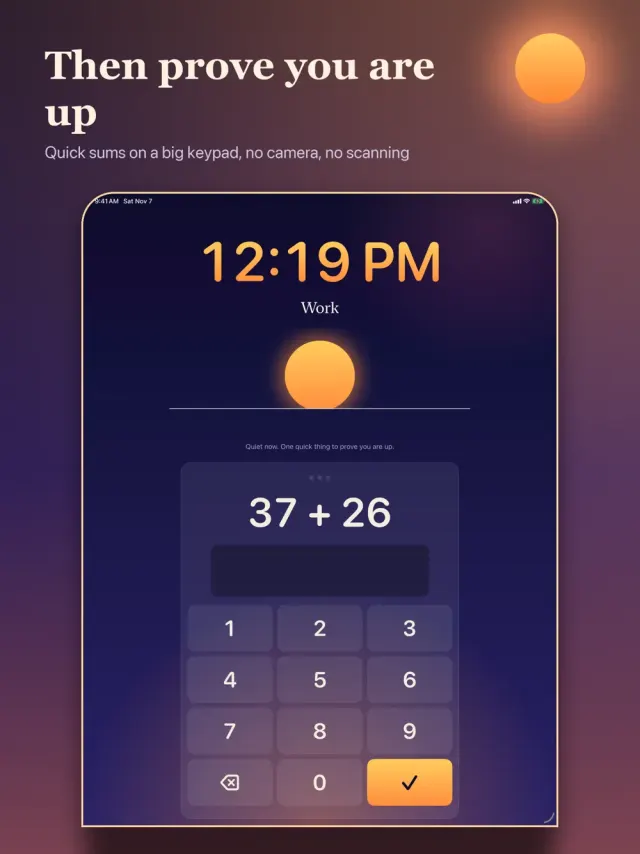
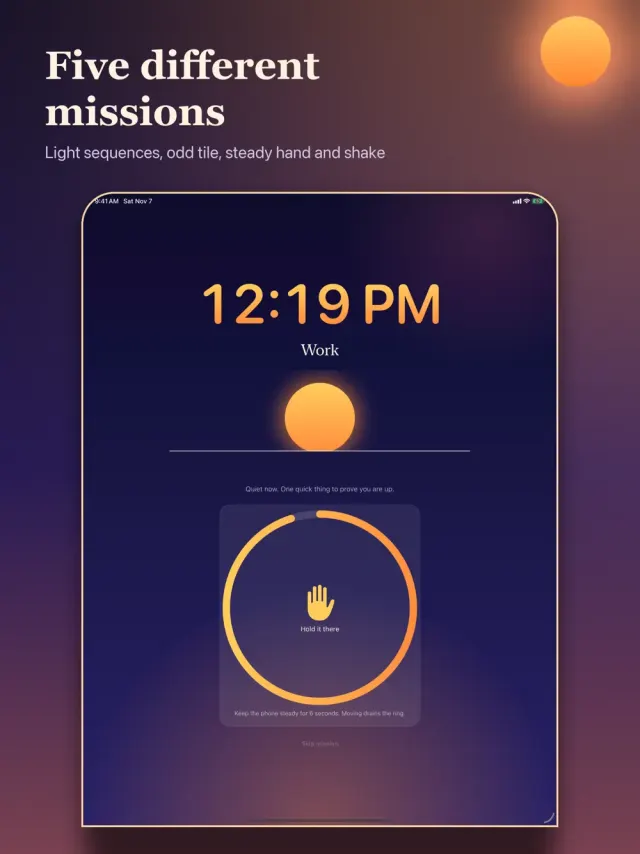
Risewick rings with a sound that begins almost silent and swells over about half a minute. Silence it whenever you like: the Stop button is never blocked. Then comes a short wake-up mission to show you are up. Do the sums, repeat a light sequence, find the odd tile, hold the phone steady or shake it awake. If you drift back to sleep, the alarm checks on you again a few minutes later.
Alarms, with Honest Limits
- On iOS 26 and later, alarms use the system alarm service (AlarmKit), which iOS designs to ring even when the app is closed. Check how it behaves on your own phone with the built-in test ring.
- On earlier versions Risewick uses sound notifications and tells you exactly what that means.
- A one-minute test ring lets you check your own phone before you rely on it. Keep a backup alarm for anything critical.
WAKE-UP MISSIONS (NO CAMERA, NO SCANNING)
- Quick sums on a big keypad
- Light sequence memory
- Odd tile out
- Steady hand and Shake (use the motion sensors)
- Difficulty adapts to how quickly you have been getting up
Snooze on Your Terms
Choose no snooze, or one to three, and how long each lasts.
Wind-Down
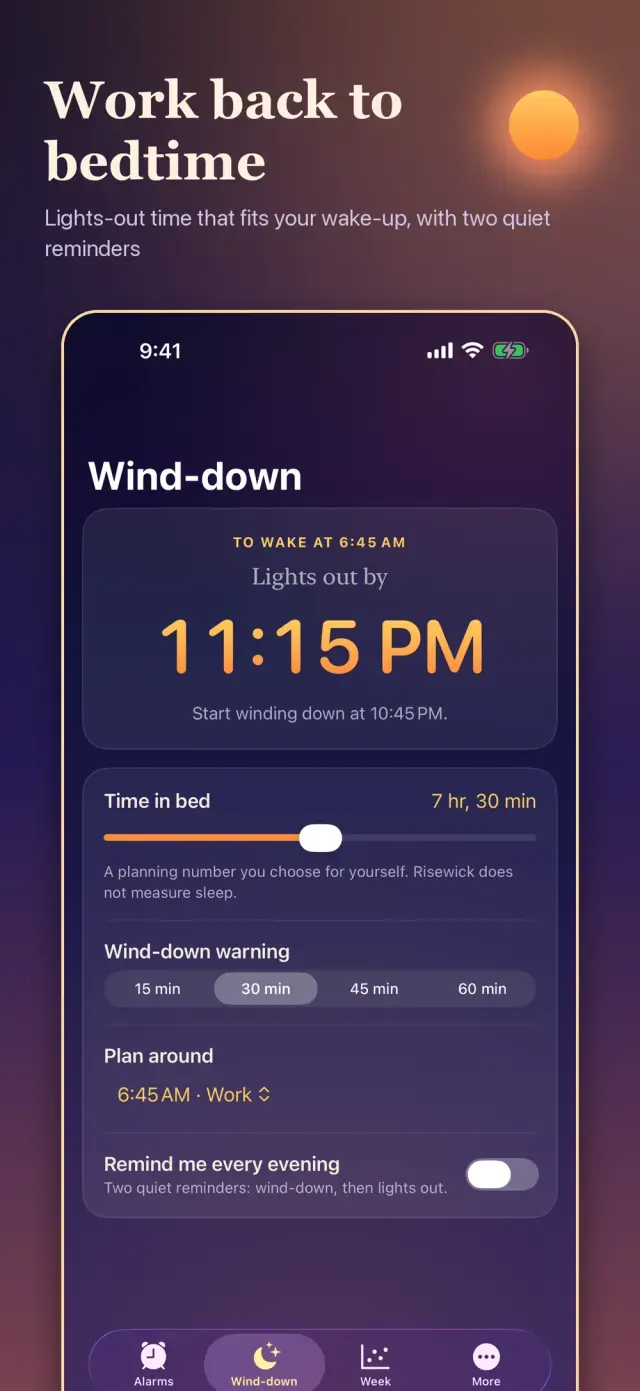
Set how long you want in bed and Risewick works backwards from your alarm to a lights-out time, with two quiet reminders if you want them.
Your Week
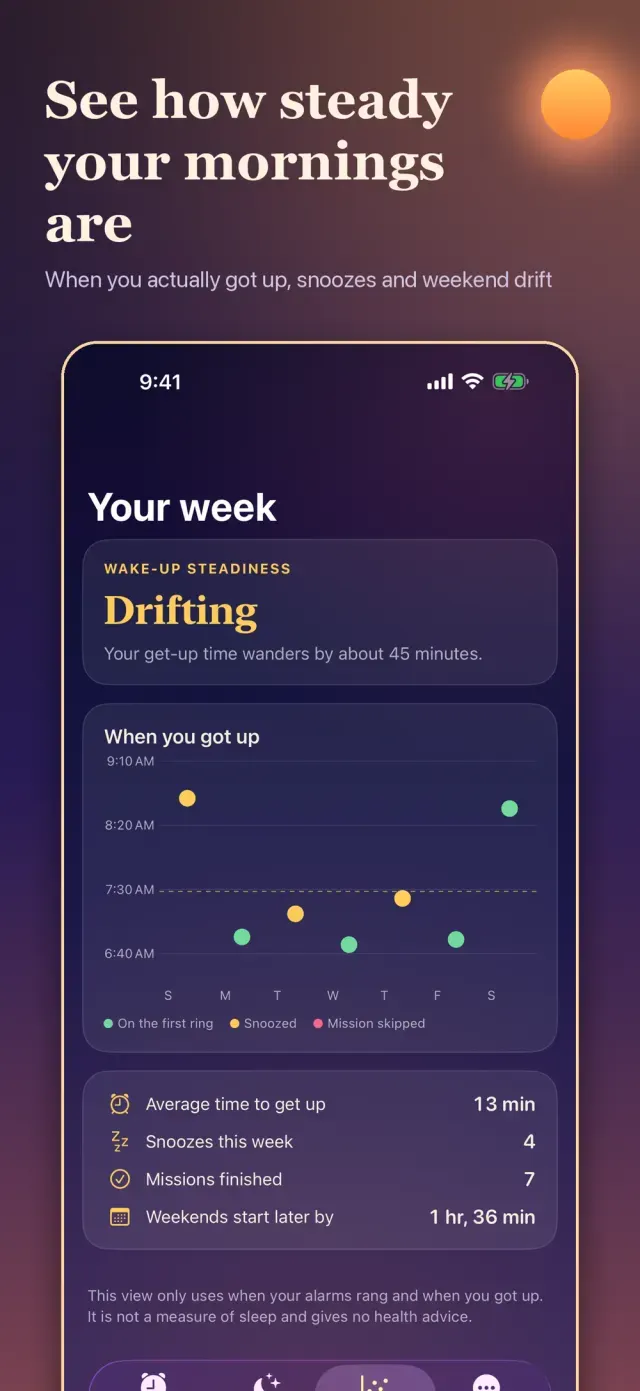
See when you actually got up each day, how steady that has been, snoozes and weekend drift. It uses only when your alarms rang and when you got up. It is not a sleep measurement and offers no health advice.
Private By Design
No account. Alarms and history stay on your device.
Free with ads, optional monthly ad-free. Free with ads. An optional monthly plan removes ads.
What's New
First release.
You might also like
 FellwickHabits as trails you walkComing soon
 SlatewisePlan your day in time blocksComing soon
 DozelineFeeds, naps, diapers, next nap
 DayspireCountdown widgets and scenesComing soon
 JotwrenOne sentence becomes a planComing soon
 RillwickWater and caffeine trackerComing soon
More from EqualInformation
All apps EosinwellHistology slides and stainsComing soon
 ShadewrightShadow-puppet stencil puzzlesComing soon
 BindwellPharmacology receptor labComing soon
 CalcwickUnits, money, tips and datesComing soon
 DimeglowLog spending in one sentenceComing soon
 DipwickService reminders & fuel logComing soon
 EaveslyHome upkeep and warranty vaultComing soon
 EbbmarkSpaced-repetition study slipsComing soon